Give diners a contactless digital menu experience. Paste a public PDF menu, web menu, or ordering link, customize the QR code, and download it free—no app required.
Looking for India-specific guidance? Visit the India version.
About Restaurant Menu QR Code Generator
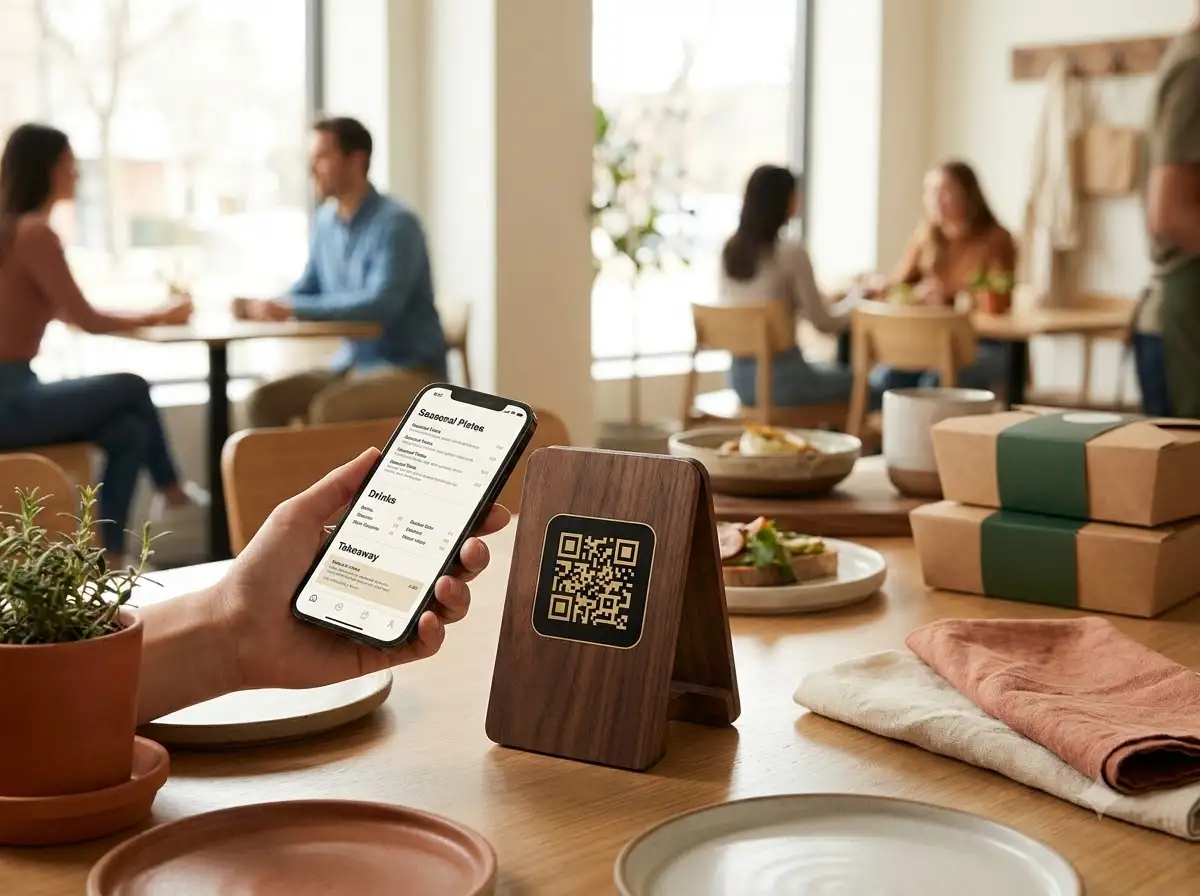
The WeLuvTools Restaurant Menu QR Code Generator creates a scannable code for a public PDF menu, mobile web menu, or online ordering page. It validates and encodes the menu URL locally in your browser. Match the QR design to your restaurant, preview it live, and download PNG or SVG for tables, windows, packaging, and signs.
100% Private
Files stay on your device.
Super Fast
Results in just a few seconds.
Secure & Safe
No account or upload needed.
Practical Limits
Capacity depends on your device.
How to use
Step 1
Publish the menu as a public PDF, mobile-friendly web page, or online ordering page, then test and copy its shareable URL
Step 2
Paste the digital menu link and customize the colors, module shape, corner style, size, margin, and error correction to suit your brand
Step 3
Generate the menu QR code, download SVG for high-quality printing or PNG for digital sharing, and test the final table or sign with multiple phones
Practical scenarios
Use cases
Common ways people get more value from this tool.
Use case 1
Table tents and stands can replace bulky printed menus with a scannable link to the complete current menu
Use case 2
Window decals can let passers-by browse food, opening hours, and ordering choices even while the venue is closed
Use case 3
Outdoor tables can use durable QR stickers for quick access without paper menus
Use case 4
Takeout bags and boxes can link returning customers directly to the menu or reorder page
Use case 5
Caterers can share current food and drink selections at weddings, buffets, and corporate events
Use case 6
Hotels and resorts can place a QR in rooms that opens room-service, restaurant, or bar menus
Types & formats
PDF menu QR
Open a publicly hosted document menu in a phone browser or PDF viewer
Web menu QR
Open a responsive menu page that is comfortable to read on a phone
Ordering QR
Send diners to a public ordering, booking, takeaway, or delivery page
The WeLuvTools difference
Why choose WeLuvTools
Benefit 1
Support PDF menus, responsive websites, and online ordering links
Benefit 2
Give guests contactless menu access without requiring an app
Benefit 3
Create a static menu QR code in your browser and download it without a watermark.
Benefit 4
Customize colors, module shape, corner style, size, and error correction
Benefit 5
Keep the menu URL private from WeLuvTools with browser-only generation
Benefit 6
Download PNG or scalable SVG without registering
Frequently Asked Questions
Related Tools
QR Code is a registered trademark of DENSO WAVE INCORPORATED. WeLuvTools is an independent tool and is not affiliated with, endorsed by, or sponsored by DENSO WAVE.