Free Online Image Compressor — Compress JPEG, PNG, WebP, GIF & SVG
Reduce image file sizes by up to 80% without losing quality. Works entirely in your browser — no upload, no signup required.
Looking for India-specific guidance? Visit the India version.
Compress JPEG, PNG, WebP, GIF, and SVG images instantly in your browser. This advanced image compressor reduces file size while preserving visual quality, making it perfect for websites, email attachments, social media, ecommerce, and forms with strict upload limits.
Unlike tools that upload your files to a server, everything happens locally on your device using WebAssembly. Your images never leave your computer, and all metadata (EXIF, GPS, camera info) is automatically removed. You get automatic compression with smart defaults, plus manual quality sliders and color reduction for fine control. No registration required — just fast, private image compression.
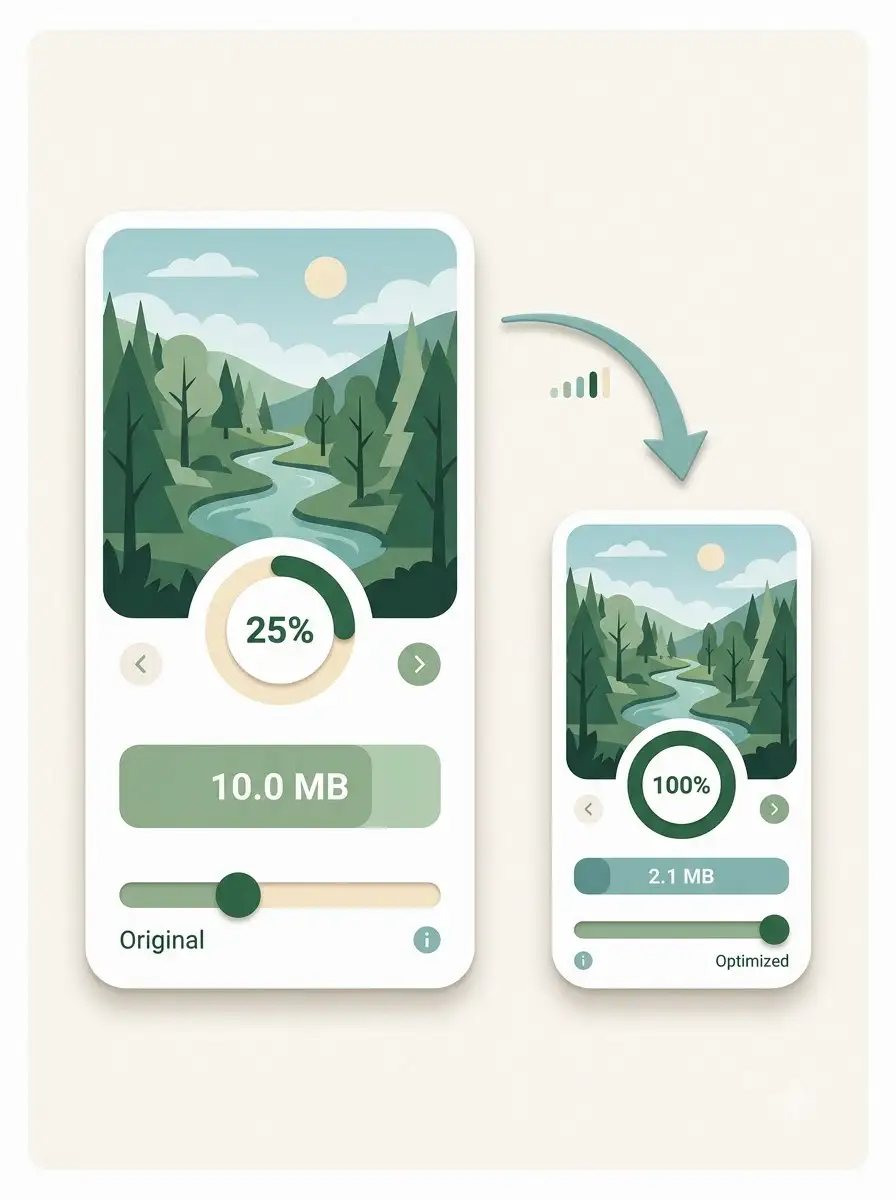
About Free Online Image Compressor — Compress JPEG, PNG, WebP, GIF & SVG
WeLuvTools Image Compressor is a free, browser-based tool that reduces the file size of JPEG, PNG, WebP, GIF, and SVG images. It uses advanced compression algorithms and WebAssembly to process images locally — no server uploads, no data collection, and no privacy concerns. You get automatic compression with optimal defaults, plus manual controls for quality and color reduction. All metadata is removed, and the output is ready to download. It is ideal for web developers, bloggers, ecommerce sellers, students, and anyone who needs smaller images for websites, email, social media, or online forms.
100% Private
Files stay on your device.
Super Fast
Results in just a few seconds.
Secure & Safe
No account or upload needed.
Practical Limits
Capacity depends on your device.
Quick guide
How to use
Step 1
Drag and drop your JPEG, PNG, WebP, GIF, or SVG images, or click to select files. The tool loads them locally in your browser.
Step 2
Click COMPRESS. The tool automatically analyzes each image and applies optimal compression settings. You can then use the quality slider or color slider to fine-tune each image individually.
Step 3
Preview the compressed result, compare it with the original, and click Download to save your optimized images. No upload, no signup required.
Practical scenarios
Use cases
Common ways people get more value from this tool.
Use case 1
Optimizing images for faster website loading and better SEO
Use case 2
Reducing email attachment sizes
Use case 3
Preparing images for social media posts and ads
Use case 4
Meeting upload limits on job portals, government forms, and online applications
Use case 5
Creating lightweight product images for ecommerce stores
Use case 6
Compressing screenshots and documentation images
Use case 7
Reducing GIF animation file sizes for web and chat
Use case 8
Preparing images for presentations and digital flyers
Types & formats
Web optimization
Compress images for faster page load and better Core Web Vitals
Email & attachments
Reduce image size for email limits and faster sending
Social media
Prepare lightweight images for posts, ads, and stories
Ecommerce
Create fast-loading product images for online stores
Forms & portals
Meet strict upload limits like 100KB, 150KB, 200KB, or 500KB
Recommended next step
Compress Image to 100KB
Reduce any image to 100KB for job portals, government forms, and strict upload limits.
Open toolCompress Image to 150KB
Balanced compression for blog thumbnails, social graphics, and email banners.
Open toolCompress Image to 200KB
Ideal for ecommerce product images, screenshots, and blog graphics.
Open toolCompress Image to 500KB
For website hero images, banners, and presentation slides that need more detail.
Open toolCompress PNG to 100KB
PNG-specific compression to 100KB while preserving transparency.
Open toolCompress PNG to 150KB
Reduce PNG files to 150KB for blog thumbnails and social graphics.
Open toolCompress PNG to 200KB
Compress PNG images to 200KB for ecommerce and product visuals.
Open toolCompress PNG to 500KB
Optimize large PNG assets like hero images and banners to 500KB.
Open toolPNG Converter
Convert images to and from PNG format.
Open toolWebP Converter
Convert images to WebP for even smaller file sizes.
Open toolImage Resizer
Reduce pixel dimensions before or after compression.
Open toolPNG Compression Guide
Learn how PNG compression works and how to get the smallest files.
Open toolCompress Images Without Losing Quality
Practical tips for reducing image size while keeping quality high.
Open toolThe WeLuvTools difference
Why choose WeLuvTools
Benefit 1
Supports JPEG, PNG, WebP, GIF, and SVG — all in one tool
Benefit 2
100% browser-based: images never leave your device
Benefit 3
Automatic compression with smart defaults
Benefit 4
Manual quality and color sliders for fine control
Benefit 5
Removes EXIF, GPS, and camera metadata automatically
Benefit 6
No upload, no signup required
Benefit 7
Free and fast — compress images directly in your browser
Benefit 8
Fast WebAssembly processing for large images
Frequently Asked Questions
Related Tools
Compress Image to 100KB
Compress JPG, PNG, and WebP images to 100KB or less.
Compress Image to 200KB
Compress JPG, PNG, and WebP images to 200KB or less.
Compress PNG to 100KB
Reduce a PNG to 100KB or less while preserving PNG format.
Compress PNG to 150KB
Create a balanced PNG at 150KB or less for web graphics.
Compress PNG to 200KB
Create a PNG at 200KB or less for product and blog images.
Compress PNG to 500KB
Create a higher-detail PNG at 500KB or less for larger graphics.
PNG Converter
Convert PNG images to JPG, WebP, or AVIF online.
WebP Converter
Convert images to and from WebP format.
Image Resizer
Resize images to custom dimensions.