Compress PNG to 100KB Online — Free & Instant
Reduce a PNG to 100KB or less for forms, portals, and websites while keeping PNG format and transparency.
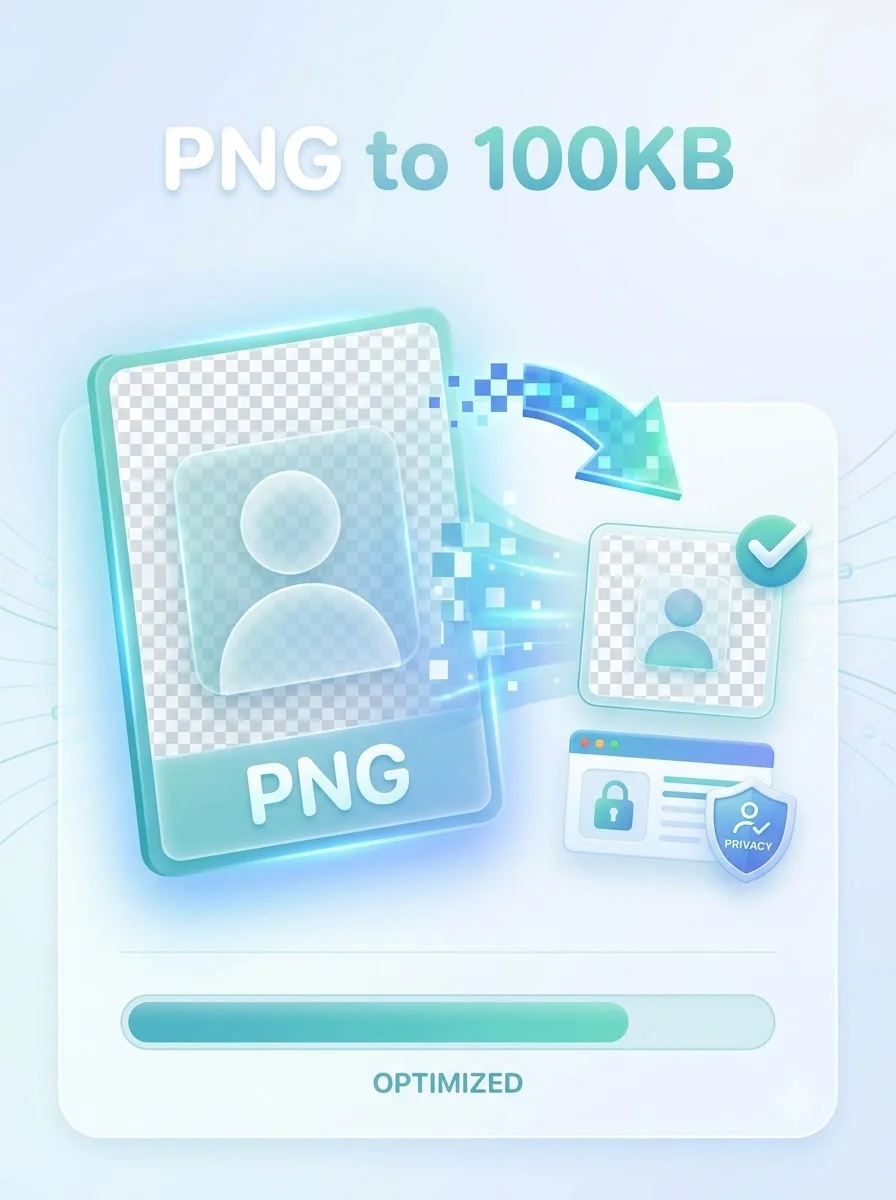
Need to compress a PNG to 100KB for an online form, job portal, profile image, or website thumbnail? This dedicated PNG compressor works toward the largest practical PNG result at or below 100KB while keeping the image clear and preserving transparent areas. Select one PNG, run the optimizer, review the final dimensions and file size, then download the result as a PNG.
PNG is a lossless format, so its quality cannot be reduced with a JPEG-style slider. When a file is too large, the tool re-encodes it and carefully reduces its pixel dimensions until it fits the 100KB limit. A file that is already below the target is kept unchanged. Because every image contains different colors and detail, the output may be below rather than exactly 100KB. All processing happens locally in your browser for fast, private processing: the selected image is not sent to WeLuvTools, and no account is required.
About Compress PNG to 100KB Online — Free & Instant
WeLuvTools Compress PNG to 100KB is a dedicated browser-based optimizer for PNG files that must meet a 100KB maximum. It preserves PNG output and transparent pixels, keeps files that already meet the limit unchanged, and reduces pixel dimensions only when necessary. The optimizer searches for the largest practical dimensions that produce a file at or below 100KB, then shows the actual size before download.
100% Private
Files stay on your device.
Super Fast
Results in just a few seconds.
Secure & Safe
No account or upload needed.
Practical Limits
Capacity depends on your device.
Quick guide
How to use
Step 1
Choose or drag in one PNG file up to 50MB. The tool reads it locally and displays its original size and dimensions.
Step 2
Select Compress PNG to 100KB. The optimizer re-encodes the PNG and reduces dimensions only when required to meet the limit.
Step 3
Review the output size, dimensions, and preview, then download the processed file in PNG format.
Practical scenarios
Use cases
Common ways people get more value from this tool.
Use case 1
Preparing a PNG photo or signature for an online job application
Use case 2
Meeting image limits on government and education portals
Use case 3
Creating lightweight PNG thumbnails for websites and content systems
Use case 4
Reducing transparent logos and interface assets before publishing
Use case 5
Making PNG attachments easier to submit through web forms
Types & formats
Forms and portals
Prepare PNG files for services that accept images up to 100KB
Transparent PNG
Keep alpha transparency while reducing the file size and dimensions
Website PNG
Create a lighter PNG for thumbnails, profiles, and interface graphics
Recommended next step
Compress Image to 100KB
Use this if you need to compress JPG, JPEG, WebP, or PNG images to 100KB.
Open toolCompress Image to 50KB
Need a smaller target? Reduce images to 50KB for stricter forms and portals.
Open toolCompress Image to 200KB
Use the 200KB compressor when your form allows a slightly larger image.
Open toolCompress PNG to 50KB
Reduce PNG files to a 50KB limit while keeping PNG format and transparency.
Open toolPNG Converter
Convert images to and from PNG before or after compression.
Open toolConvert to PNG
Turn JPG, WebP, or other images into PNG format.
Open toolPNG to JPG
If transparency is not required, JPG may reach 100KB more easily.
Open toolImage Resizer
Reduce pixel dimensions first, then compress the PNG to 100KB.
Open toolPNG Compression Guide
Learn how PNG compression works, when to use it, and how to get the smallest file without losing clarity.
Open toolCompress Image to Exact Size
See how to target 20KB, 50KB, and 100KB limits for forms and portals.
Open toolCompress Images Without Losing Quality
Practical ways to reduce image size while keeping the best possible quality.
Open toolThe WeLuvTools difference
Why choose WeLuvTools
Benefit 1
Dedicated 100KB-or-less target
Benefit 2
PNG format and transparency preserved
Benefit 3
Actual output size and dimensions shown before download
Benefit 4
Files already under 100KB are kept unchanged
Benefit 5
Processing stays on your device
Frequently Asked Questions
Related Tools
Image to PNG Converter
Convert JPG, WebP, SVG, BMP, GIF, and ICO images to PNG.
Compress Image to 100KB
Compress JPG, PNG, and WebP images to 100KB or less.
Compress Image to 50KB
Compress JPG, PNG, and WebP images to 50KB or less.
Compress Image to 200KB
Compress JPG, PNG, and WebP images to 200KB or less.
PNG Converter
Convert PNG images to JPG, WebP, or AVIF online.
Compress PNG to 50KB
Create a PNG at 50KB or less for forms and ID portals.