PNG to JPG Converter — Convert PNG to JPEG Free Online
Convert PNG images to JPG format instantly in your browser. No upload, adjustable quality, transparent PNG support. Free on WeLuvTools.
Looking for India-specific guidance? Visit the India version.
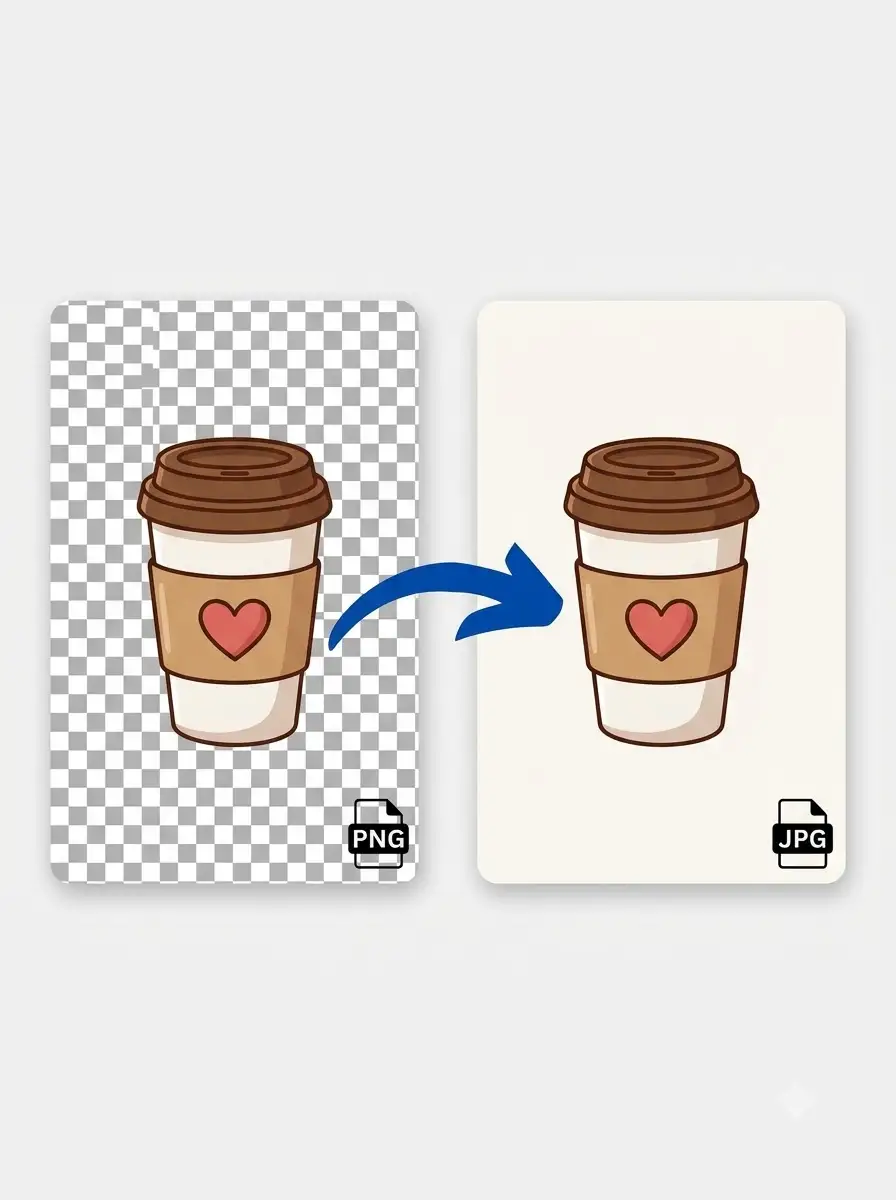
About PNG to JPG Converter — Convert PNG to JPEG Free Online
WeLuvTools PNG to JPG Converter transforms PNG images into JPG (JPEG) format instantly in your browser — no upload, no server, 100% private. PNG files are lossless and support transparency, making them larger. JPG uses efficient compression to produce much smaller files — ideal for photos, web images, and sharing. WeLuvTools lets you set the JPG quality (1–100%) and choose a background color to fill transparent areas, giving you full control over the output.
100% Private
Files stay on your device.
Super Fast
Results in just a few seconds.
Secure & Safe
No account or upload needed.
Practical Limits
Capacity depends on your device.
Practical scenarios
Use cases
Common ways people get more value from this tool.
Use case 1
Reducing PNG screenshot sizes before sharing in emails, Slack, or Notion
Use case 2
Converting PNG graphics to JPG for faster website loading and better PageSpeed scores
Use case 3
Preparing images for platforms and CMS that prefer or require JPG format
Use case 4
Shrinking large PNG photos for social media uploads (Instagram, Facebook, Twitter)
Use case 5
Converting PNG design exports from Figma or Sketch to JPG for clients and stakeholders
Types & formats
Standard PNG to JPG
Full-color PNG converted to compressed JPG — typical size reduction of 60–80%
Transparent PNG to JPG
Alpha transparency filled with a solid background color before JPG conversion
High quality (90–100%)
Near-lossless JPG — minimal size saving but maximum quality preserved
Balanced (75–85%)
Best balance of file size and visual quality — recommended for most uses
The WeLuvTools difference
Why choose WeLuvTools
Benefit 1
No upload — PNG to JPG conversion happens entirely in your browser on WeLuvTools
Benefit 2
Adjustable quality slider gives full control over output size vs quality
Benefit 3
Handles transparent PNGs with custom background color fill
Benefit 4
Processing capacity depends on your browser and device.
Benefit 5
WeLuvTools (WLT) processes images locally — your files never leave your device