WebP Converter — Convert JPG & PNG to WebP Online
Convert JPG and PNG images to WebP for lighter web assets. Built on Google's next-gen format for faster pages, better Core Web Vitals, and smaller files — with private browser processing and adjustable quality.
About WebP Converter — Convert JPG & PNG to WebP Online
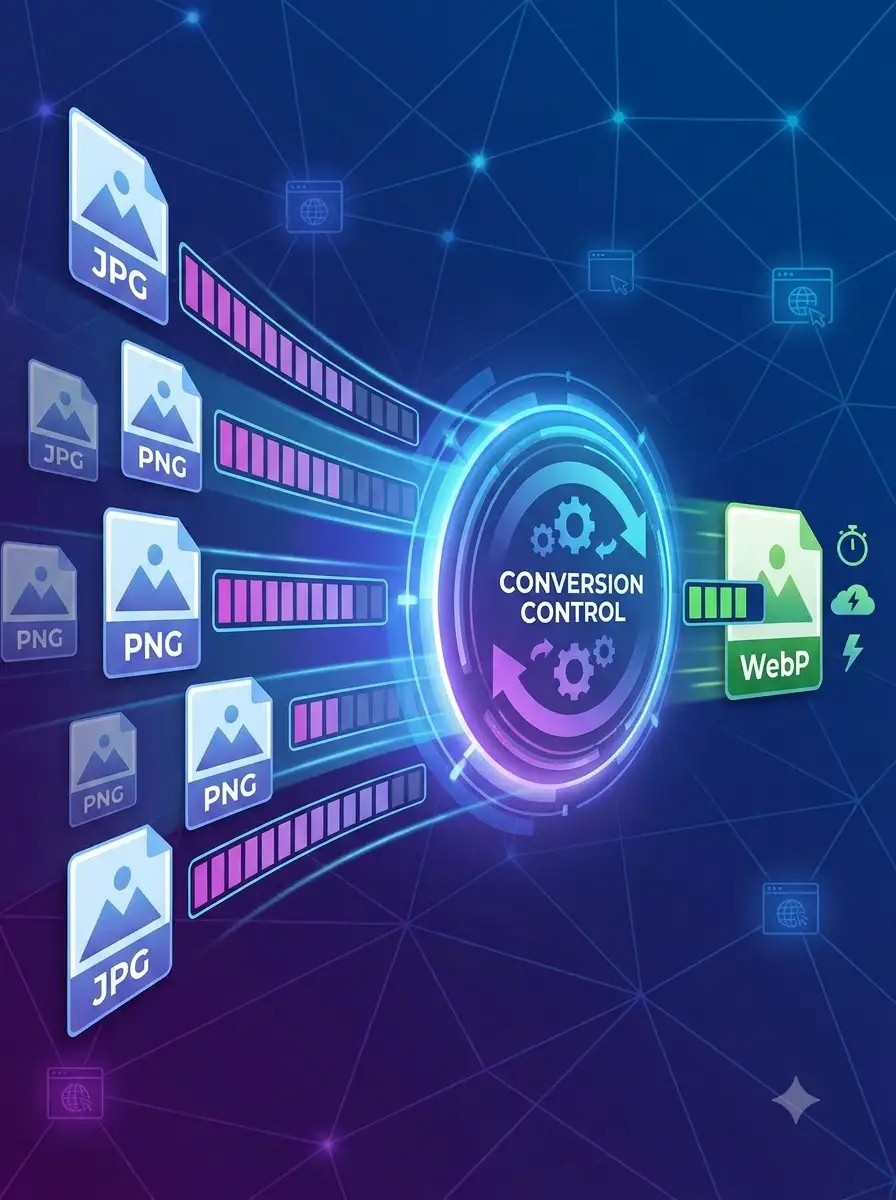
WeLuvTools WebP Converter transforms JPG and PNG images to WebP format — the next-gen image format developed by Google after its acquisition of On2 Technologies, based on the VP8 video codec. WebP delivers 25–35% smaller files than JPEG and 26% smaller than PNG at equivalent visual quality; in a Google study of 1 million images, it achieved an average 41.3% compression gain. It supports both lossy and lossless compression, as well as alpha transparency and animation. Smaller images mean faster website load times, better PageSpeed scores, and improved Core Web Vitals (LCP). This tool also converts WebP images back to JPG or PNG for editing or compatibility. Everything runs in your browser — no upload.
100% Private
Files stay on your device.
Super Fast
Results in just a few seconds.
Secure & Safe
No account or upload needed.
Practical Limits
Capacity depends on your device.
Practical scenarios
Use cases
Common ways people get more value from this tool.
Use case 1
Converting website images to WebP to improve Google PageSpeed Insights scores and Lighthouse audits
Use case 2
Reducing image payload to improve Core Web Vitals LCP (Largest Contentful Paint)
Use case 3
Converting WebP images downloaded from websites back to JPG/PNG for editing in Photoshop, Figma, or Canva
Use case 4
Optimizing images for Next.js, Gatsby, Nuxt, WordPress, Shopify, or other platforms that serve WebP
Use case 5
Preparing images for Google Display Ads and other campaigns that prefer WebP format
Use case 6
Replacing animated GIFs with smaller animated WebP files for web and social media
Use case 7
Reducing transparent PNG logos and UI graphics to WebP with alpha channel preserved
Types & formats
JPG to WebP
Converts JPEG photos to WebP — typical 25–35% size reduction at same quality
PNG to WebP
Converts PNG to WebP with transparency preserved — lossy WebP with alpha is typically 3× smaller than PNG
WebP to JPG
Converts WebP back to universally supported JPEG for editing or legacy compatibility
WebP to PNG
Converts WebP to lossless PNG with transparency channel support
Animated GIF to WebP
Converts animated GIFs to animated WebP for smaller files and better decoding performance
Recommended next step
JPG to WebP Converter
Convert JPEG photos to WebP for 25–35% smaller files at equivalent quality.
Open toolPNG to WebP Converter
Convert PNG to WebP while preserving transparency — typically 3× smaller with lossy alpha.
Open toolWebP to JPG Converter
Convert WebP images back to JPG for editing or compatibility.
Open toolAll-in-One Image Tool
Convert between JPEG, PNG, WebP, GIF, and SVG in one place.
Open toolPNG Converter
Convert images to and from PNG format.
Open toolImage Compressor
Compress JPEG, PNG, WebP, GIF, and SVG without changing format.
Open toolAVIF vs WebP vs JPEG
Compare next-gen image formats for web performance in 2026.
Open toolThe WeLuvTools difference
Why choose WeLuvTools
Benefit 1
Bidirectional conversion — to WebP and from WebP in one tool
Benefit 2
Preserves PNG transparency when converting to WebP (alpha channel supported in both lossy and lossless modes)
Benefit 3
No upload — runs entirely in your browser using WebAssembly
Benefit 4
Adjustable quality slider for precise file size vs quality control
Benefit 5
Based on Google's open WebP format (BSD license, VP8-derived, On2 Technologies heritage)
Benefit 6
Free to use without creating an account; practical capacity depends on your browser and device
Frequently Asked Questions
Related Tools
JPG to WebP
Convert JPG photos to smaller WebP files for the web.
PNG to WebP
Convert transparent PNG graphics to WebP.
WebP to JPG
Convert WebP images to compatible JPG files.
All-in-One Image Tool
Convert, resize, compress and edit images - all in one place.
PNG Converter
Convert PNG images to JPG, WebP, or AVIF online.
Image Compressor
Reduce image file size without losing quality.