All-in-One Image Tool — Convert, Resize & Compress Free
Convert, resize, and compress JPG/JPEG, WebP, HEIC/HEIF, PNG, GIF, BMP, and TIFF/TIF images. No upload, free on WeLuvTools.
About All-in-One Image Tool — Convert, Resize & Compress Free
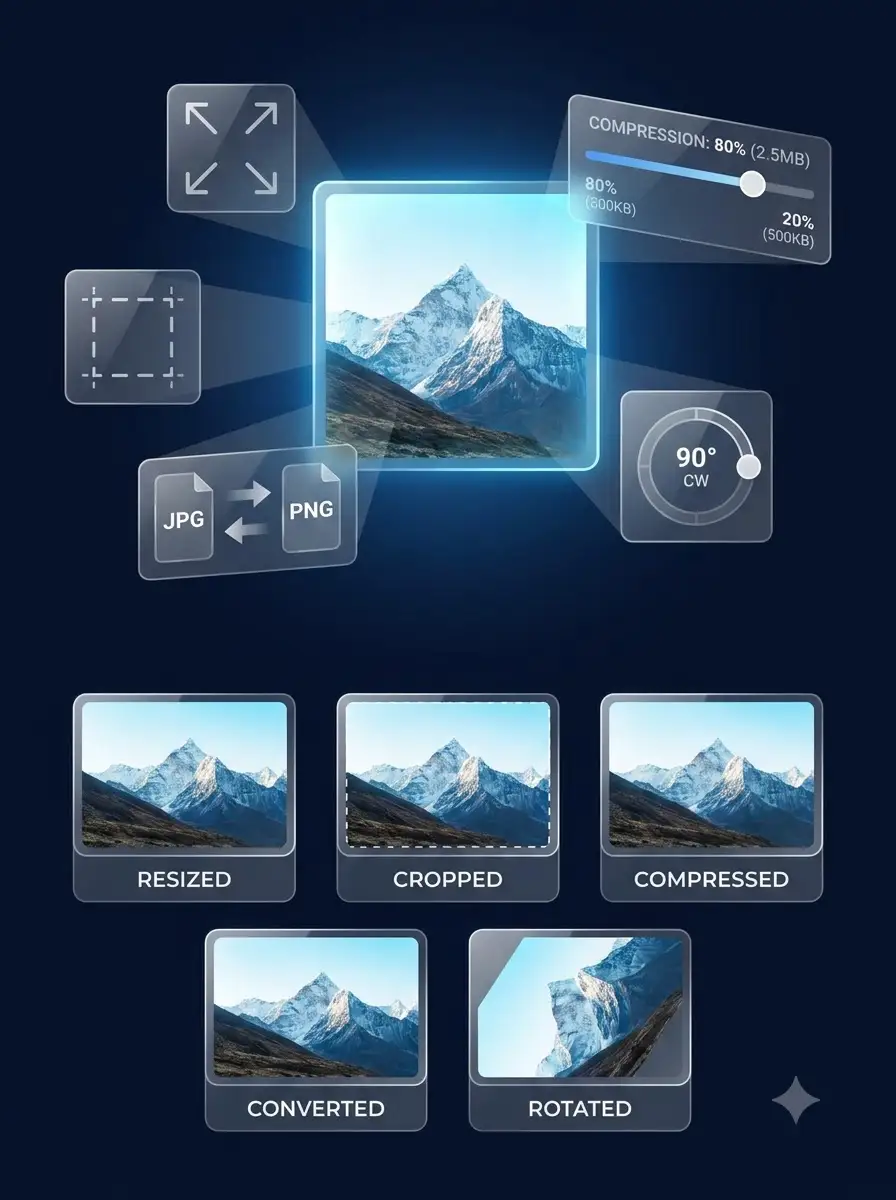
WeLuvTools All-in-One Image Tool combines format conversion, resizing, and compression into a single streamlined workflow — eliminating the need to use multiple separate tools. Accept JPG, JPEG, WebP, HEIC, HEIF, PNG, GIF, BMP, TIFF, and TIF files, resize to exact dimensions or percentages, and compress for optimal file size. Export to PNG, JPEG, WebP, or AVIF when supported by the browser. Supports batch processing, with all images processed in your browser and never uploaded to a server.
100% Private
Files stay on your device.
Super Fast
Results in just a few seconds.
Secure & Safe
No account or upload needed.
Practical Limits
Capacity depends on your device.
Practical scenarios
Use cases
Common ways people get more value from this tool.
Use case 1
Batch converting and optimizing all images for a website or blog in one step
Use case 2
Preparing a set of product images for an e-commerce store (Shopify, WooCommerce)
Use case 3
Converting and resizing images for multiple social media platforms at once
Use case 4
Optimizing images for better Google PageSpeed and Core Web Vitals scores
Use case 5
Processing multiple images for a Next.js, Gatsby, or Nuxt static site build
Types & formats
Convert + Compress
Change format and reduce file size in one single step
Convert + Resize
Change format and set new pixel dimensions simultaneously
Batch processing
Apply the same settings to multiple images at once
AVIF output
Next-generation format with compression superior to WebP and JPEG
Recommended next step
Plan dimensions before batch work
Calculate the target ratio and dimensions before converting, resizing, or compressing a batch of images.
Open toolUse focused resizing
When you only need exact dimensions, the dedicated Image Resizer gives a simpler workflow.
Open toolUse focused compression
When format conversion is not needed, use the Image Compressor to reduce file size directly.
Open toolThe WeLuvTools difference
Why choose WeLuvTools
Benefit 1
Combines 4 image tools in one — convert, resize, compress, and format change
Benefit 2
Supports modern formats including WebP and AVIF for maximum compression
Benefit 3
Batch process multiple images with the same settings
Benefit 4
WeLuvTools All-in-One Image Tool runs entirely in your browser — no uploads
Benefit 5
Free to use without creating an account; practical capacity depends on your browser and device.