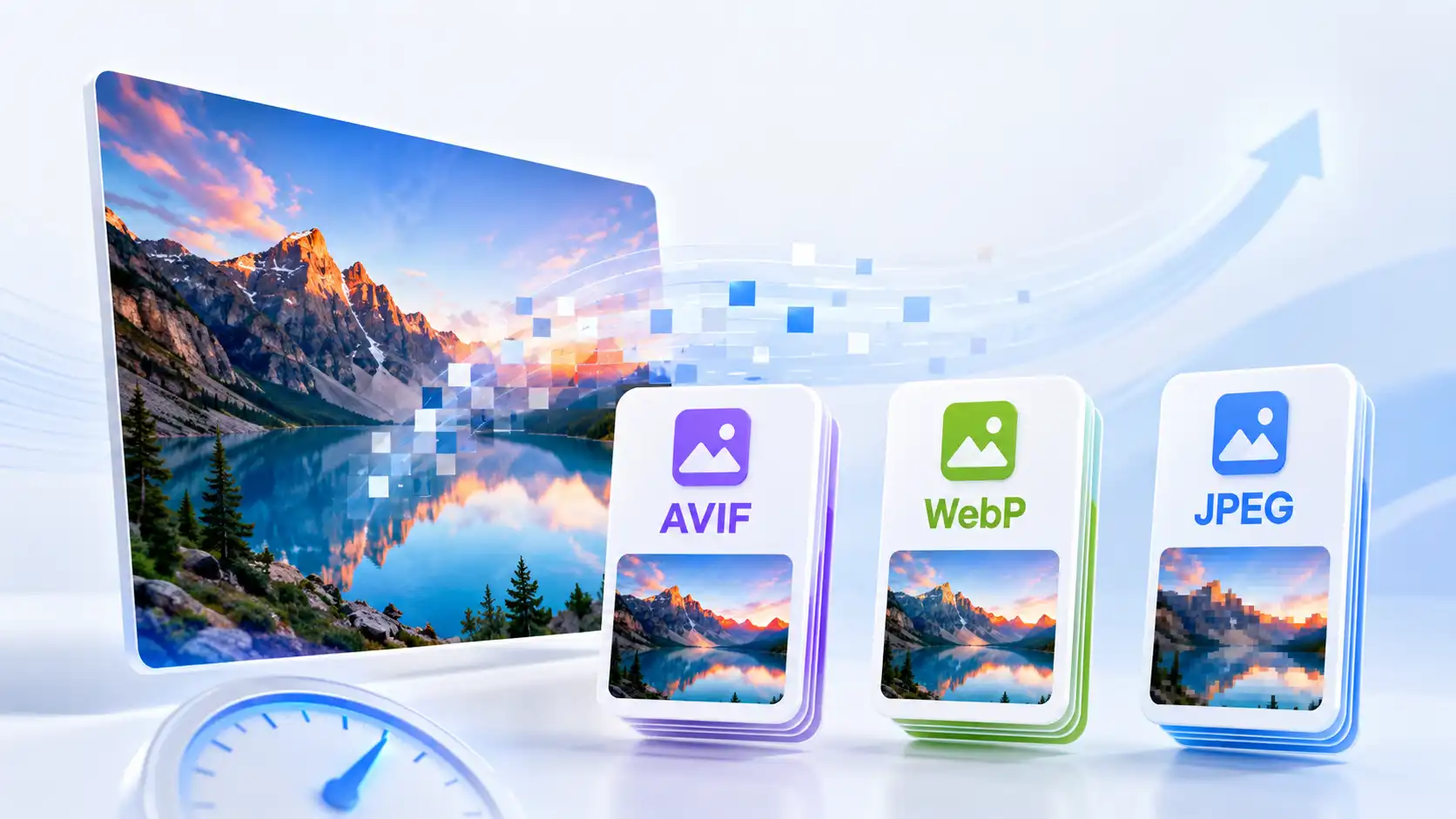
Choosing an image format is no longer just a question of JPEG versus PNG. Modern websites can use WebP and AVIF to deliver smaller files, while phones and cameras often produce HEIC images that need conversion before publishing. The best choice depends on the image, the browser support you need, and where the file will be used.
This guide compares AVIF vs WebP vs JPEG in practical terms. It also explains when PNG still makes sense and why converting every image to the smallest possible format is not always the right decision.
Quick answer
Use WebP as the most practical modern default for many websites. Choose AVIF when you want excellent compression and your delivery stack supports it. Use JPEG when compatibility is the priority or when you are preparing a normal photograph for a broad audience. Keep PNG for transparency, screenshots, logos, and graphics with sharp edges.
| Format | Best for | Strength | Tradeoff |
|---|---|---|---|
| AVIF | Modern web delivery | Very efficient compression and advanced image features | Encoding and compatibility can be more demanding |
| WebP | Everyday website images | Good quality-to-size balance and broad browser support | Not ideal for every editing or archival workflow |
| JPEG | Photos and compatibility | Works almost everywhere and is easy to share | No alpha transparency and can show compression artifacts |
| PNG | Transparency and interface graphics | Sharp edges, lossless options, and alpha channel | Often much larger for photographs |
AVIF: the efficient modern option
AVIF can create very small files while preserving impressive visual quality. It is attractive for performance-focused websites, large hero images, and teams that already have an image pipeline capable of serving modern formats.
The main reason not to choose AVIF automatically is workflow complexity. Encoding may take longer, some editing tools are less comfortable with it, and you should confirm the browsers, CMS, CDN, and fallback strategy used by your audience. For many sites, AVIF works best as an additional delivery format rather than the only original asset.
WebP: the practical website default
WebP is a strong choice when you want a modern format without making the workflow unnecessarily complicated. It supports lossy and lossless compression, can handle transparency, and is familiar to most current web platforms.
For a blog, ecommerce catalog, landing page, or tool website, converting JPG and PNG images to WebP can reduce transfer size while keeping a straightforward download and publishing workflow. Use the WebP Converter when you need a dedicated conversion, or use the All-in-One Image Tool when you also need resizing and batch compression.
JPEG: still useful in 2026
JPEG is not obsolete. It remains a dependable option for photographs, email attachments, older systems, and situations where you need maximum compatibility. A well-resized JPEG at sensible quality can be faster than an oversized image in a newer format.
JPEG is also convenient when people need to download, edit, or share the file with familiar desktop and mobile applications. Do not choose a format based only on the smallest possible byte count; choose it based on the complete workflow.
When PNG is better
PNG is usually the better choice for transparent logos, UI screenshots, diagrams, icons, and images with large areas of flat color. A PNG can preserve crisp edges where a heavily compressed JPEG would create visible halos or blocks.
If a PNG is a photograph with no transparency, test WebP or JPEG before publishing it. If it contains transparency or text that must remain sharp, keep PNG or test lossless WebP carefully.
How to choose the right format
- Identify the image type: photograph, screenshot, logo, illustration, or scan.
- Resize it to the dimensions where it will actually appear.
- Test WebP first for ordinary website images.
- Test AVIF when your website and delivery system support it.
- Keep PNG for transparency and crisp graphic details.
- Keep JPEG when broad compatibility or easy sharing matters most.
- Compare the visual result, not only the percentage reduction.
Do you need to convert every image?
No. Conversion is useful when it improves the destination workflow. A 4000-pixel image converted to WebP is still too large if the page displays it at 800 pixels. Resize first, then choose the format and quality that match the real use.
With the Image Compressor, you can reduce the file size before publishing. For a batch of mixed JPG, PNG, HEIC, TIFF, and WebP files, the All-in-One Image Tool can combine conversion, resizing, and compression in one browser workflow.
Final recommendation
For most websites in 2026, start with WebP. Add AVIF when your delivery stack supports it and the extra compression is worth the workflow. Keep JPEG for compatibility and PNG for transparency or sharp graphics. The best result is the smallest file that still looks correct and works everywhere your audience needs it.