Compress JPG, PNG, and WebP images to 100KB or less for faster websites, email attachments, and CMS uploads.
Looking for India-specific guidance? Visit the India version.
100KB is the sweet spot for most web images — small enough to load fast, large enough to look sharp on standard screens. Whether you're uploading to WordPress, Shopify, a job portal, or sending an email attachment, this tool automatically compresses JPG, PNG, and WebP images to 100KB or less.
Unlike a manual quality slider where you guess the output size, this preset targets 100KB directly. It adjusts both encoding quality and pixel dimensions as needed, shows you the actual result size before download, and never uploads your files to a server.
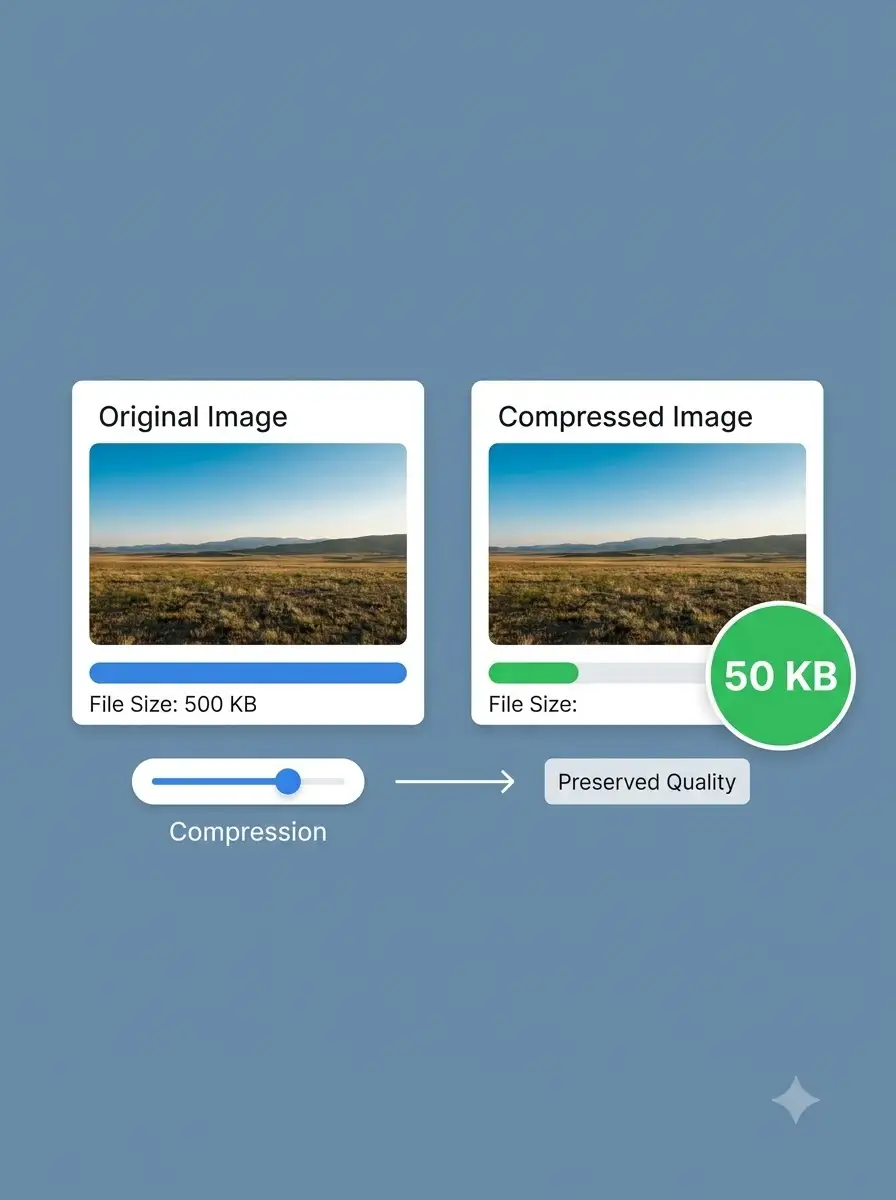
About Compress Image to 100KB — Websites, Email & CMS Uploads
WeLuvTools Compress Image to 100KB automatically reduces image files for services that enforce a 100KB maximum. Unlike a manual quality slider, the preset works toward the requested limit and can adjust both encoding quality and dimensions. It supports JPG, PNG, and WebP, preserves already-compliant files, and performs every operation on your device.
100% Private
Files stay on your device.
Super Fast
Results in just a few seconds.
Secure & Safe
No account or upload needed.
Practical Limits
Capacity depends on your device.
Practical scenarios
Use cases
Common ways people get more value from this tool.
Use case 1
Submitting photos and scanned documents to online forms
Use case 2
Preparing lightweight product thumbnails for ecommerce
Use case 3
Reducing blog and CMS images before publishing
Use case 4
Creating smaller email and messaging attachments
Use case 5
Meeting a 100KB maximum for profile and account images
Types & formats
JPG to 100KB
Reduce digital photographs and scans for common upload limits
PNG to 100KB
Compress graphics and screenshots while retaining PNG format
WebP to 100KB
Create compact web images within a predictable maximum size
The WeLuvTools difference
Why choose WeLuvTools
Benefit 1
Targets 100KB automatically
Benefit 2
Avoids recompressing files already within the limit
Benefit 3
Handles individual files and batches
Benefit 4
Provides actual before-and-after file sizes
Benefit 5
Runs privately without server uploads