Reduce a JPG, PNG, or WebP image to 100KB or less for forms, applications, and mobile sharing. Confirm the receiving service's rules first.
What is Compress an Image to 100KB for Indian Uploads?
This page helps reduce an image to 100KB or less.
A 100KB target is useful when a form, application, school workflow, or business service allows a compact image but 20KB or 50KB would remove too much detail. The correct limit depends on the service you are using.
Choose the target size, review the output, and check the current instructions on the official portal or receiving service. File size alone does not confirm that a photo meets a portal's dimensions or appearance rules.
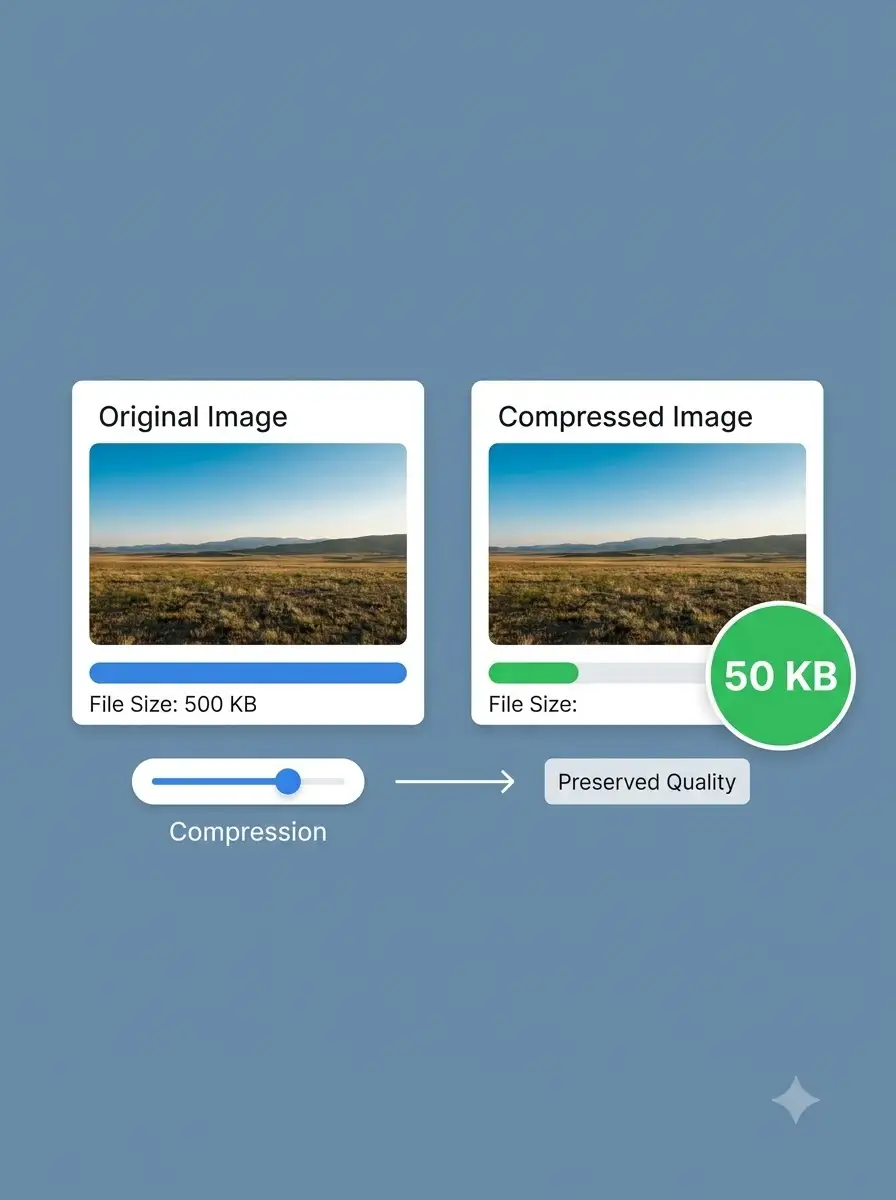
About Compress an Image to 100KB for Indian Uploads
This page helps reduce an image to 100KB or less. It is a file-size preparation tool, not a compliance checker for Passport Seva, visa, Aadhaar, PAN, examination, or other portals.
100% Private
Files stay on your device.
Super Fast
Results in just a few seconds.
Secure & Safe
No account or upload needed.
Practical Limits
Capacity depends on your device.
Practical scenarios
Use cases
Common ways people get more value from this tool.
Use case 1
Preparing an image for an application form that allows a 100KB upload.
Use case 2
Reducing a product or service image before sharing it on mobile.
Use case 3
Creating a lighter attachment for a school, recruitment, or small-business workflow.
Types & formats
Photographs
JPG output is often practical for photos when the receiving service accepts it.
Screenshots and graphics
PNG may preserve sharper text, although the final file can be larger.
Web images
WebP can be efficient, but confirm that the destination accepts it.
Recommended next step
The WeLuvTools difference
Why choose WeLuvTools
Benefit 1
The final file size is shown before download.
Benefit 2
The page separates file-size reduction from portal compliance.
Benefit 3
The workflow is practical for mobile uploads and sharing.