Crop Images Online for Indian Forms and Business Posts
🖼️ Image ToolsCrop JPG, PNG, and WebP images to a useful shape before resizing, compressing, printing, or sharing on mobile.
What is Crop Images Online for Indian Forms and Business Posts?
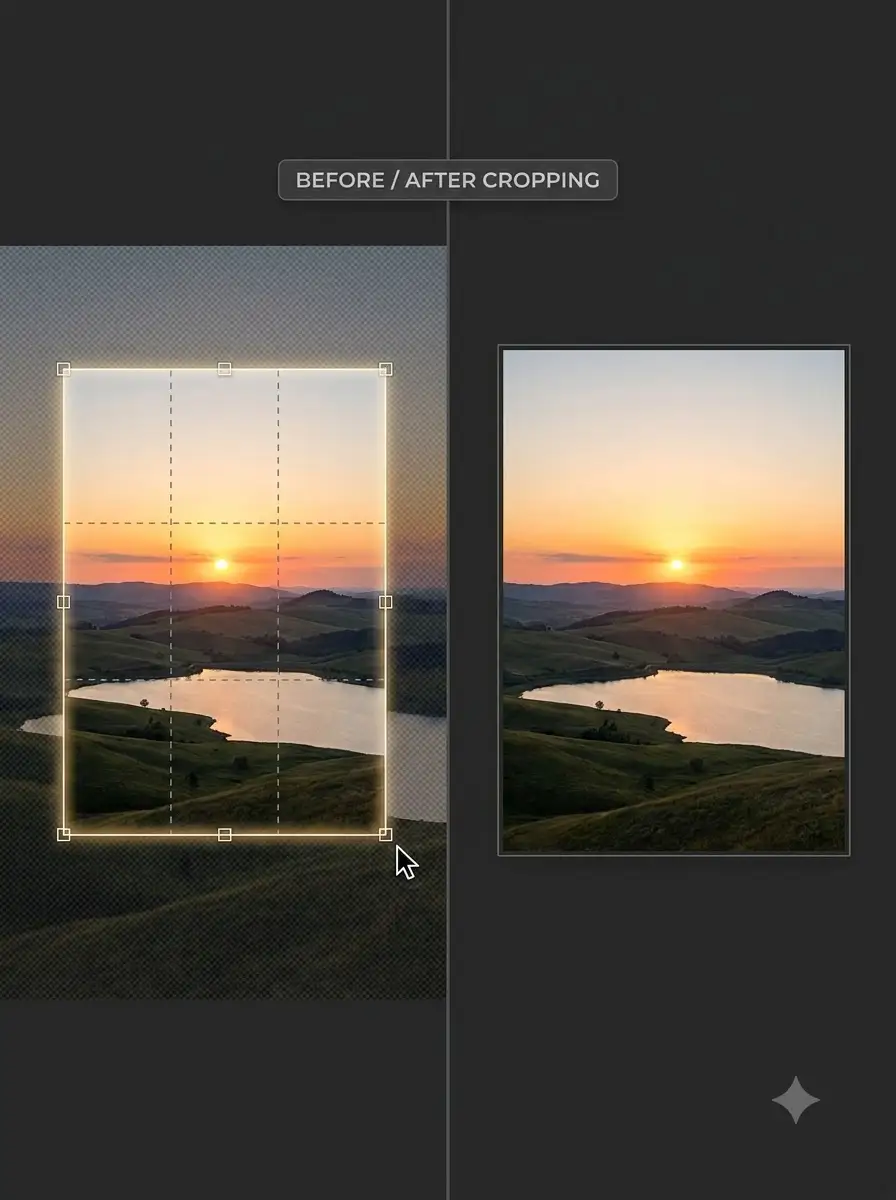
This tool lets you select the part of an image to keep and optionally use a common aspect ratio.
Cropping removes unwanted edges and helps place the important part of a photo inside a required shape. Use it before resizing or compressing an image for an application, shop catalogue, WhatsApp creative, or printed notice.
A crop does not confirm a portal's identity-photo or document rules. Please check the current instructions of Passport Seva, a visa service, Aadhaar-related service, examination portal, or other destination before uploading.
About Crop Images Online for Indian Forms and Business Posts
This tool lets you select the part of an image to keep and optionally use a common aspect ratio. It prepares the composition, but it does not verify government, marketplace, printer, or social-platform requirements.
100% Private
Files stay on your device.
Super Fast
Results in just a few seconds.
Secure & Safe
No account or upload needed.
Practical Limits
Capacity depends on your device.
Practical scenarios
Use cases
Common ways people get more value from this tool.
Use case 1
Cropping a portrait before preparing it for an online application.
Use case 2
Creating a consistent square product image for a local shop catalogue.
Use case 3
Preparing a WhatsApp status, Diwali sale poster, or Holi event image.
Use case 4
Removing empty edges from a scanned document or signature image.
Types & formats
Free crop
Select any area when the destination has no fixed ratio.
Square crop
Useful for profile photos, product grids, and square creatives.
Portrait crop
Useful for mobile posts and portrait-oriented designs.
Landscape crop
Useful for banners, thumbnails, and wide business images.
Recommended next step
The WeLuvTools difference
Why choose WeLuvTools
Benefit 1
The crop can be checked before download.
Benefit 2
The page explains the difference between composition and portal compliance.
Benefit 3
It is suitable for mobile-first image preparation.