JPG to PNG Converter for Indian Graphics and Documents
🖼️ Image ToolsConvert JPG images to PNG for graphics, screenshots, signatures, and workflows that require PNG format.
What is JPG to PNG Converter for Indian Graphics and Documents?
This tool converts JPG or JPEG images to PNG in your browser.
PNG can be useful for screenshots, simple graphics, and images where sharper edges matter. Convert a JPG when the destination specifically requires PNG, then review the output size before uploading.
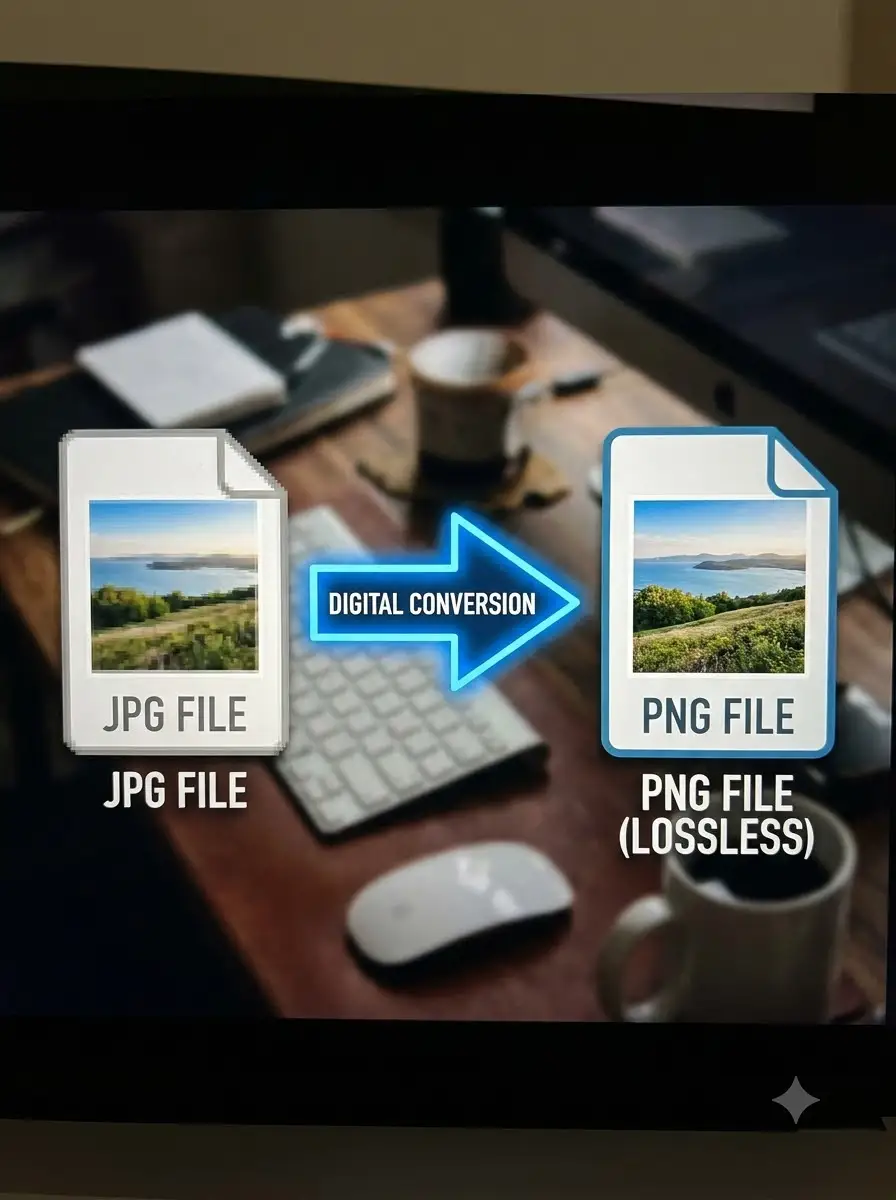
Converting JPG to PNG does not recreate detail already removed by JPG compression, and it can make the file larger. Keep the source file separately.
About JPG to PNG Converter for Indian Graphics and Documents
This tool converts JPG or JPEG images to PNG in your browser. It does not add lost image detail or confirm the format requirements of an Indian portal, marketplace, or printer.
100% Private
Files stay on your device.
Super Fast
Results in just a few seconds.
Secure & Safe
No account or upload needed.
Practical Limits
Capacity depends on your device.
Practical scenarios
Use cases
Common ways people get more value from this tool.
Use case 1
Preparing a screenshot or graphic for a document workflow.
Use case 2
Converting a signature or simple image when PNG is required.
Use case 3
Making a business graphic easier to edit or place on another background.
Use case 4
Preparing a clear image for a local website or digital notice.
Types & formats
Screenshots
PNG can preserve sharp text and interface edges.
Simple graphics
Useful for logos and artwork when the destination accepts PNG.
Signatures
Review the background and output size before using in a form.
Recommended next step
The WeLuvTools difference
Why choose WeLuvTools
Benefit 1
The page explains that conversion cannot restore lost detail.
Benefit 2
It warns that PNG may be larger than the JPG source.
Benefit 3
The workflow fits documents, graphics, and mobile business use.