Resize JPG, PNG, and WebP images to exact pixels or a percentage before uploading, sharing, or preparing a local business creative.
What is Image Resizer for Indian Forms, Shops and Mobile Posts?
This image resizer changes the pixel dimensions of a supported image while helping you keep its proportions.
Indian forms and services may ask for a particular width, height, or aspect ratio. This tool helps you create the requested pixel dimensions, but the destination portal's current instructions remain the source of truth.
Resize before compression when you need a smaller upload. On mobile data, using the required dimensions can also make the final file easier to download and share.
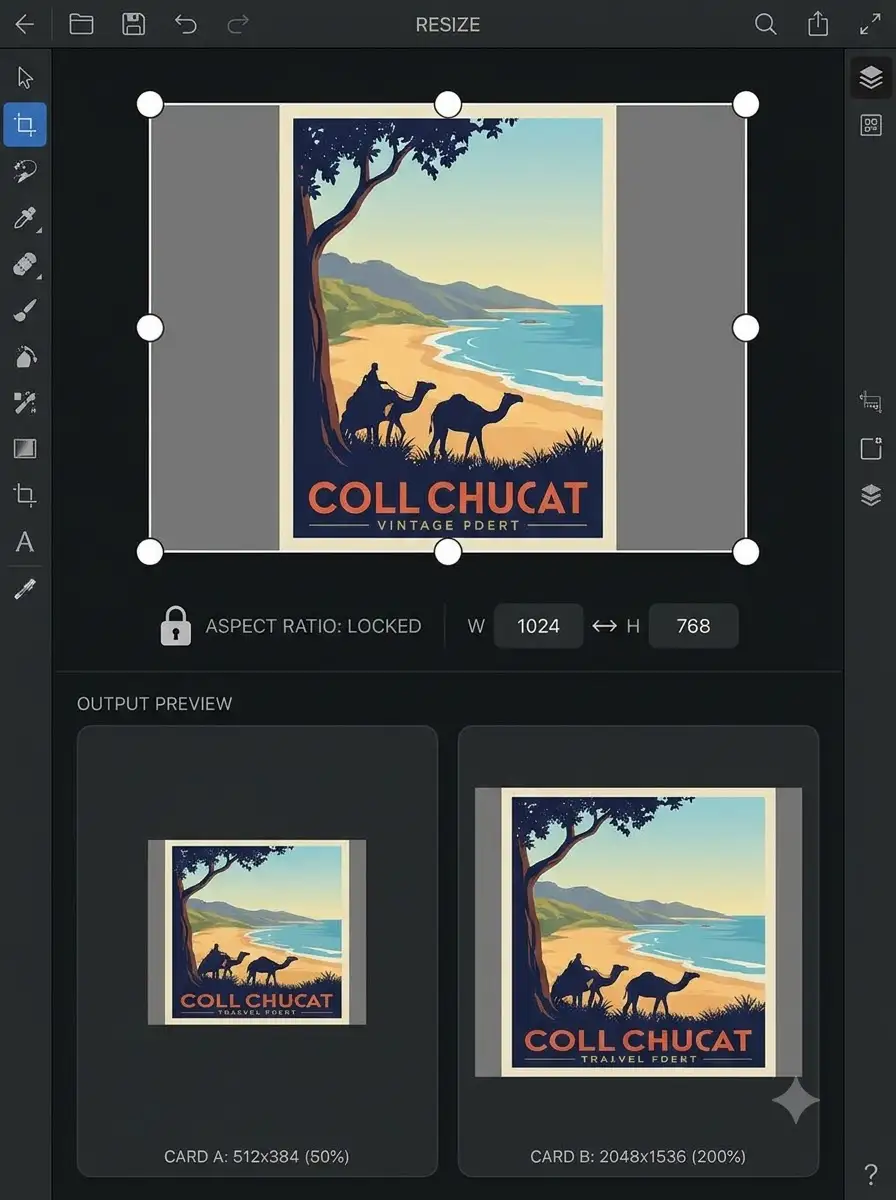
About Image Resizer for Indian Forms, Shops and Mobile Posts
This image resizer changes the pixel dimensions of a supported image while helping you keep its proportions. It does not verify a government portal, marketplace, printer, or social platform requirement.
100% Private
Files stay on your device.
Super Fast
Results in just a few seconds.
Secure & Safe
No account or upload needed.
Practical Limits
Capacity depends on your device.
How to use
Step 1
Choose a JPG, PNG, or WebP image.
Step 2
Enter the required width or height in pixels.
Step 3
Keep the aspect ratio locked when you want to avoid stretching.
Step 4
Preview the resized image and download it.
Step 5
Compress the result separately if the receiving service also sets a file-size limit.
Practical scenarios
Use cases
Common ways people get more value from this tool.
Use case 1
Setting dimensions for an online application before reducing the file size.
Use case 2
Preparing consistent product images for a local shop catalogue or social post.
Use case 3
Making a photo easier to share over a slower mobile connection.
Use case 4
Creating a correctly sized poster or notice for WhatsApp sharing.
Types & formats
Exact pixel size
Enter the width and height required by the destination workflow.
Percentage resize
Scale a photo down quickly when exact dimensions are not required.
Locked proportions
Preserve the original shape and reduce accidental stretching.
Recommended next step
The WeLuvTools difference
Why choose WeLuvTools
Benefit 1
The page separates dimensions from file-size requirements.
Benefit 2
The workflow works on a phone or desktop browser.
Benefit 3
You can check the output before using it in a form or business workflow.