Convert a phone photo from HEIC to JPG when a form, shop system, or sharing service requires a more widely supported format.
What is HEIC to JPG Converter for Indian Mobile Uploads?
This tool converts supported HEIC images to JPG in your browser.
HEIC photos from some phones may not open in older forms, business systems, or sharing workflows. Convert a copy to JPG when the receiving service requires it.
Review the result before uploading and keep the original HEIC file. A converted image may differ in quality, dimensions, colour, or file size.
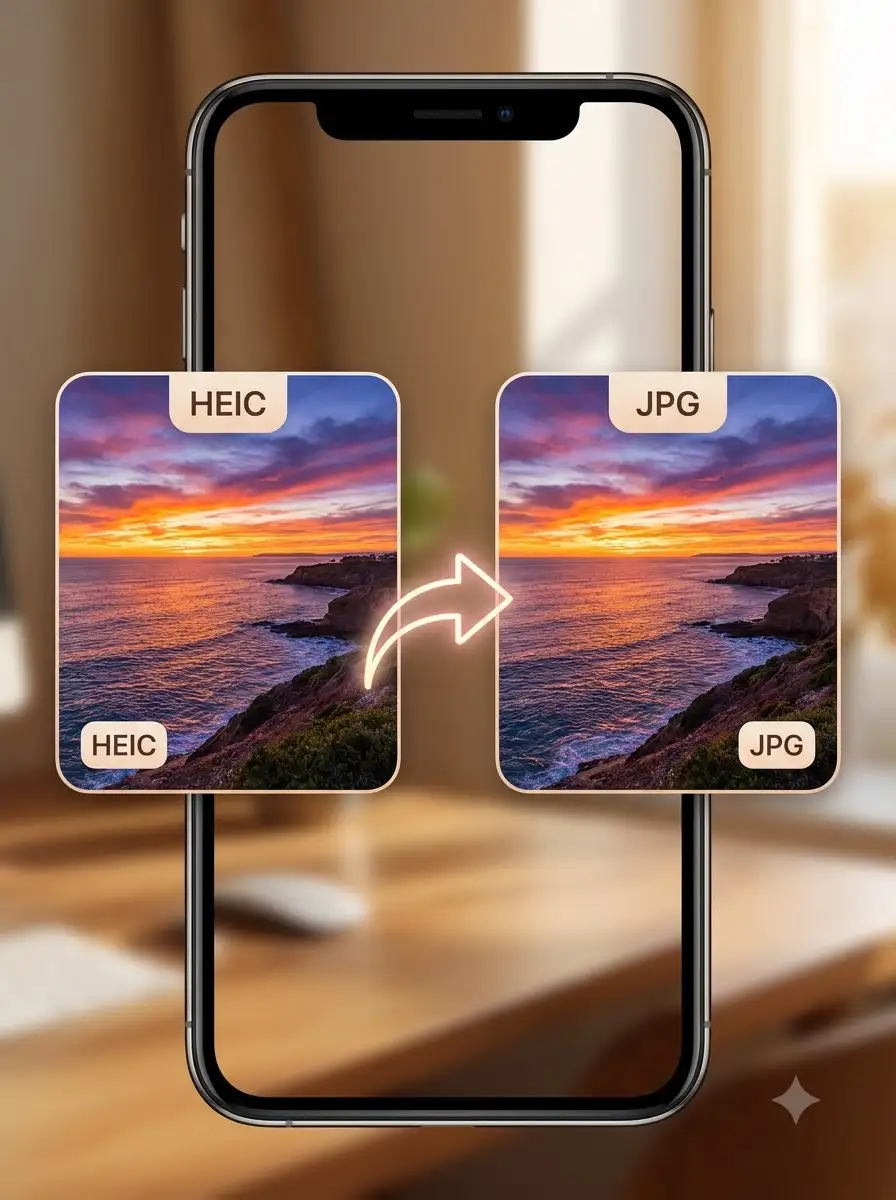
About HEIC to JPG Converter for Indian Mobile Uploads
This tool converts supported HEIC images to JPG in your browser. Browser support can vary by device and source file, and the tool does not confirm a portal's image requirements.
100% Private
Files stay on your device.
Super Fast
Results in just a few seconds.
Secure & Safe
No account or upload needed.
Practical Limits
Capacity depends on your device.
Practical scenarios
Use cases
Common ways people get more value from this tool.
Use case 1
Preparing a phone photo for an online form that accepts JPG.
Use case 2
Converting a product or service photo for a local business system.
Use case 3
Making a mobile photo easier to share with a customer or office.
Use case 4
Creating a compatible copy while retaining the original camera file.
Types & formats
Phone photographs
Create a JPG copy for wider compatibility.
Form uploads
Check dimensions, file size, and format requirements separately.
Business sharing
Use JPG when a customer or system cannot open HEIC.
Recommended next step
The WeLuvTools difference
Why choose WeLuvTools
Benefit 1
The page addresses a common phone-to-form compatibility problem.
Benefit 2
It recommends keeping the original camera file.
Benefit 3
It explains that browser and source-file support can vary.