Create a QR code for a public LinkedIn profile, company page, job event, or professional portfolio.
What is LinkedIn QR Code for Indian Professionals and Businesses?
This tool creates a static QR code for a LinkedIn URL.
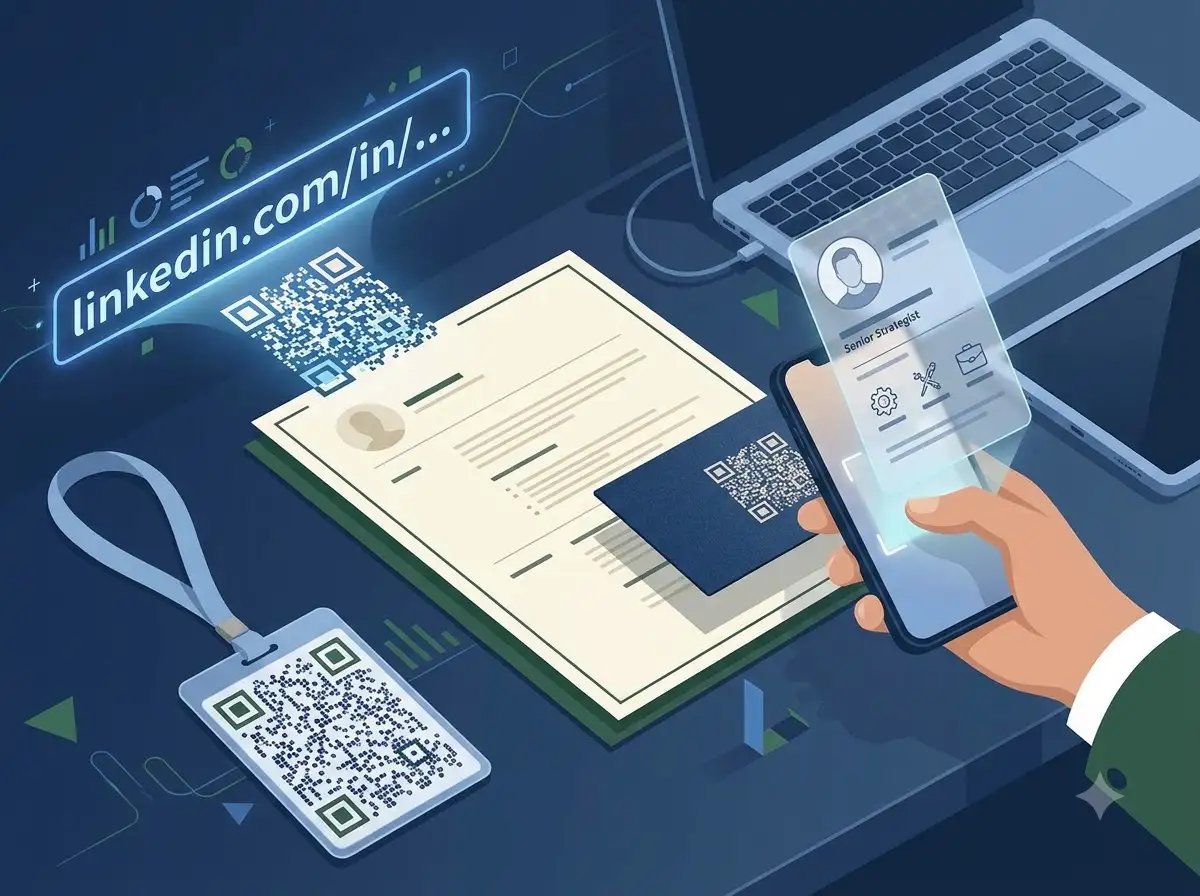
A LinkedIn QR can make it easier to share a professional profile from a visiting card, conference badge, proposal, recruitment event, or business brochure. It is useful when a typed profile URL would be inconvenient on a phone.
Use the public profile or company URL, check what an unconnected visitor can see, and scan-test the printed code before ordering a large batch of cards.
About LinkedIn QR Code for Indian Professionals and Businesses
This tool creates a static QR code for a LinkedIn URL. It does not create a profile, bypass visibility settings, or guarantee that every visitor can view the destination without signing in.
100% Private
Files stay on your device.
Super Fast
Results in just a few seconds.
Secure & Safe
No account or upload needed.
Practical Limits
Capacity depends on your device.
How to use
Step 1
Copy the public LinkedIn profile or company-page URL.
Step 2
Generate the QR code and review the preview.
Step 3
Scan-test it from another phone and check the public view.
Step 4
Add it to a visiting card, badge, proposal, or event sign.
Step 5
Replace the code if the profile URL changes.
Practical scenarios
Use cases
Common ways people get more value from this tool.
Use case 1
A consultant can add a profile QR to a professional visiting card.
Use case 2
A recruiter can share a company page at a hiring event.
Use case 3
A freelancer can connect a proposal to a portfolio profile.
Use case 4
A business team can add a company QR to a brochure or conference badge.
Types & formats
Professional profile
Share a public profile at a meeting or networking event.
Company page
Connect a brochure or booth display to a business page.
Recruitment event
Give attendees a quick route to a hiring or company destination.
Recommended next step
The WeLuvTools difference
Why choose WeLuvTools
Benefit 1
The page addresses professional and recruitment workflows.
Benefit 2
It includes public-view testing before print.
Benefit 3
It avoids promising profile visibility or platform endorsement.
Frequently Asked Questions
Related Tools
🔥 Trending Tools
QR Code is a registered trademark of DENSO WAVE INCORPORATED. WeLuvTools is an independent tool and is not affiliated with, endorsed by, or sponsored by DENSO WAVE.