Compress an Image to 20KB for Indian Forms
🖼️ Image ToolsReduce a JPG, PNG, or WebP image to 20KB or less in your browser. Check the destination portal's current size and dimension rules before uploading.
What is Compress an Image to 20KB for Indian Forms?
This tool reduces a supported image to 20KB or less when the source can be compressed to that target.
Some application and recruitment forms accept only a very small image file. This preset helps prepare a 20KB image, but the destination portal may also require a particular format, pixel size, background, or size range.
For a better result, crop the important area and resize the image before compression. Please check the current instructions on Passport Seva, a visa portal, an examination portal, or any other official service before submitting.
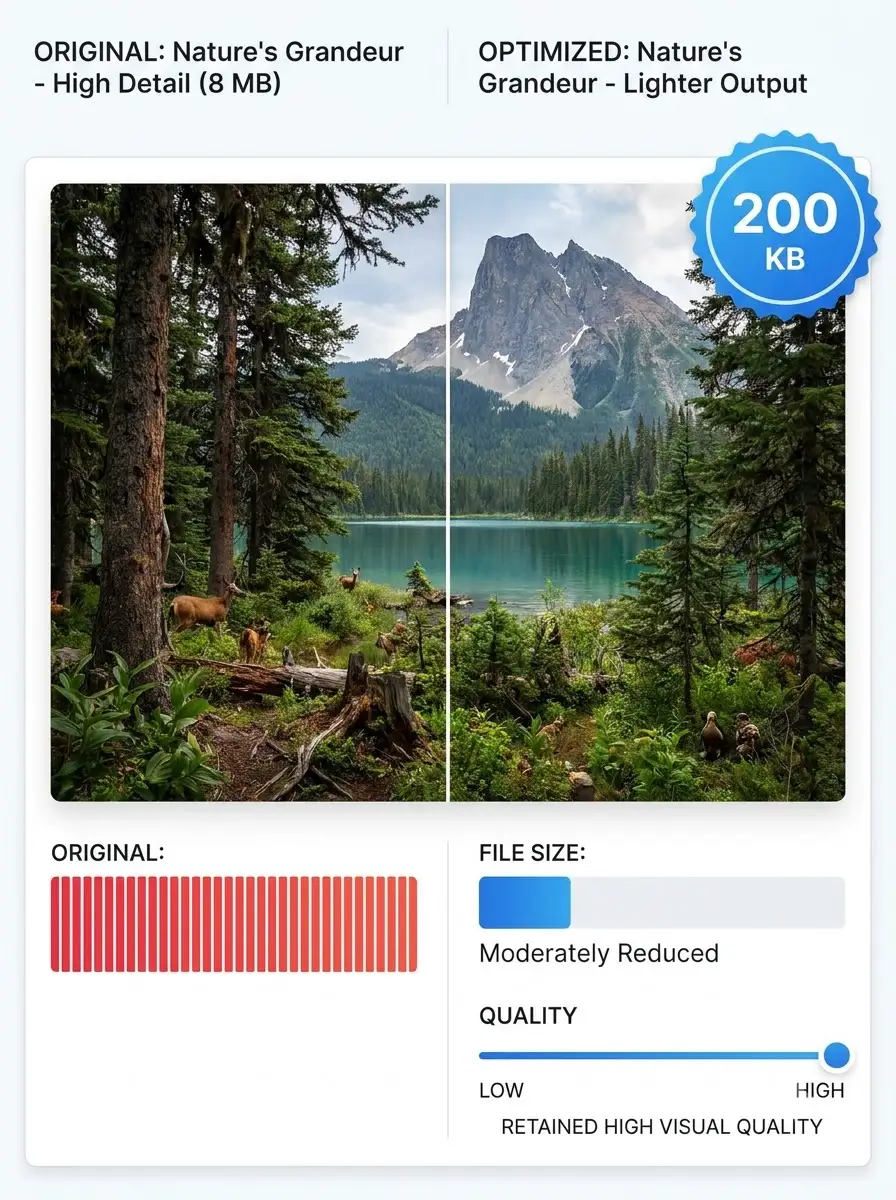
About Compress an Image to 20KB for Indian Forms
This tool reduces a supported image to 20KB or less when the source can be compressed to that target. Very small files can lose detail, so keep the original and review the downloaded result before using it in an application.
100% Private
Files stay on your device.
Super Fast
Results in just a few seconds.
Secure & Safe
No account or upload needed.
Practical Limits
Capacity depends on your device.
Practical scenarios
Use cases
Common ways people get more value from this tool.
Use case 1
Preparing a small photograph for an online form with a strict file-size limit.
Use case 2
Reducing a signature, document image, or profile photo for a mobile upload.
Use case 3
Sending a compact image over a slower connection when full resolution is not needed.
Types & formats
JPG and JPEG
Usually suitable for photographs and portrait images.
PNG
Useful for simple graphics, signatures, and screenshots, but details may change at 20KB.
WebP
Use only when the receiving portal accepts WebP files.
Recommended next step
The WeLuvTools difference
Why choose WeLuvTools
Benefit 1
The target is visible before you download the result.
Benefit 2
The page explains why portal requirements must be checked separately.
Benefit 3
The workflow can be used from a mobile browser.