Compress JPG, PNG, and WebP images in your browser before uploading a form, sharing a product photo, or sending a file over mobile data.
What is Image Compressor for Indian Mobile Uploads and Shops?
This browser-based tool reduces the file size of JPG, PNG, and WebP images with adjustable quality.
Large photos can be difficult to upload or share on a phone, especially when a form, shop catalogue, or customer message needs a smaller file. This compressor lets you choose a practical quality level and review the size change before downloading.
When a portal specifies a precise file size, use the target-size tools instead and still check the official instructions. Keep the original image because compression can reduce detail.
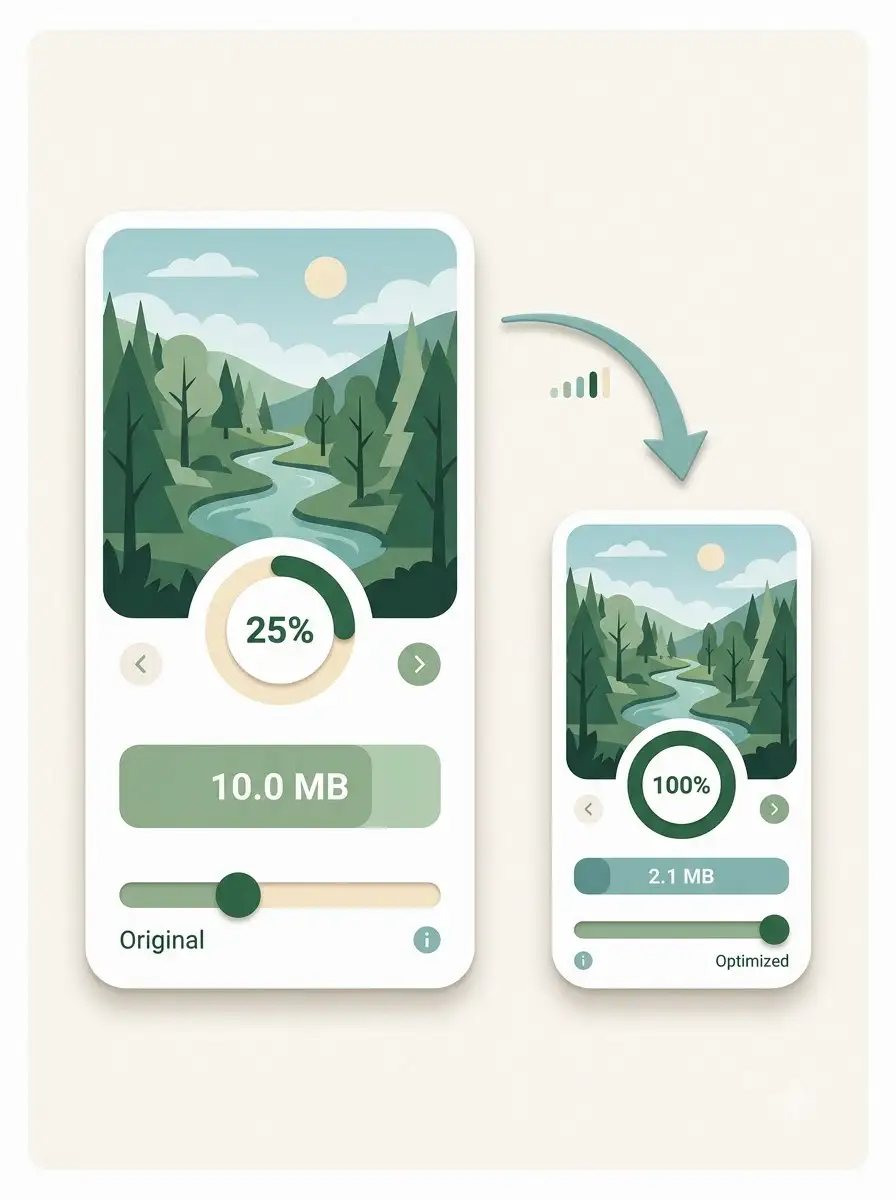
About Image Compressor for Indian Mobile Uploads and Shops
This browser-based tool reduces the file size of JPG, PNG, and WebP images with adjustable quality. It is useful for mobile uploads and business images, but it does not verify a portal's dimensions or file-size rules.
100% Private
Files stay on your device.
Super Fast
Results in just a few seconds.
Secure & Safe
No account or upload needed.
Practical Limits
Capacity depends on your device.
Practical scenarios
Use cases
Common ways people get more value from this tool.
Use case 1
Reducing product photos before sending them to customers.
Use case 2
Preparing a lighter image for a local shop website or catalogue.
Use case 3
Making a photo easier to upload over mobile data.
Use case 4
Reducing a social or WhatsApp creative while keeping the main subject clear.
Types & formats
JPG photos
Adjust quality for portraits, product photos, and everyday images.
PNG graphics
Useful for screenshots and simple graphics, with file size depending on detail.
WebP images
Use when the destination service accepts WebP.
Recommended next step
The WeLuvTools difference
Why choose WeLuvTools
Benefit 1
The page focuses on practical mobile and small-business workflows.
Benefit 2
The output can be reviewed before download.
Benefit 3
It clearly separates general compression from exact portal requirements.