SVG to PNG Converter for Indian Shops and Digital Designs
🖼️ Image ToolsConvert an SVG logo, icon, or design to PNG for websites, social posts, documents, and local business materials.
What is SVG to PNG Converter for Indian Shops and Digital Designs?
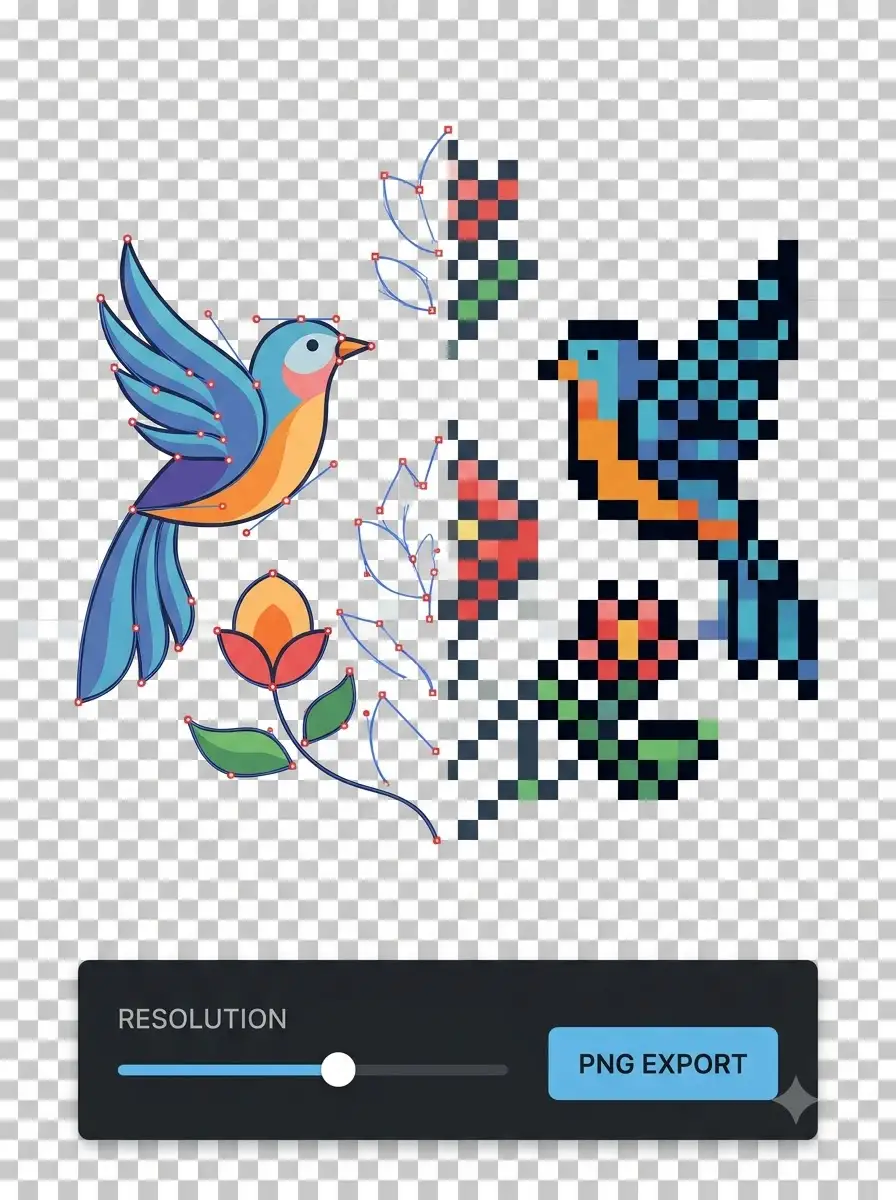
This tool rasterises an SVG into a PNG image at a chosen size.
SVG is useful for scalable artwork, while PNG is easier to place in many documents, websites, posters, and social designs. Convert a logo or icon to the pixel size your workflow needs.
Choose the output dimensions carefully. A PNG made too small cannot be enlarged without losing sharpness, so keep the original SVG for future sizes.
About SVG to PNG Converter for Indian Shops and Digital Designs
This tool rasterises an SVG into a PNG image at a chosen size. It does not edit the original vector artwork or guarantee that fonts, external images, filters, and unsupported SVG features render identically.
100% Private
Files stay on your device.
Super Fast
Results in just a few seconds.
Secure & Safe
No account or upload needed.
Practical Limits
Capacity depends on your device.
Practical scenarios
Use cases
Common ways people get more value from this tool.
Use case 1
Preparing a shop logo for a website or social post.
Use case 2
Creating a PNG graphic for a local event poster or festival campaign.
Use case 3
Adding an icon to a document, catalogue, or presentation.
Use case 4
Creating a fixed-size image for a mobile-first business workflow.
Types & formats
Logo export
Choose dimensions for a website, card, or business graphic.
Transparent PNG
Review the background and confirm the destination supports transparency.
Poster graphic
Export large enough for the intended digital or print placement.
Recommended next step
The WeLuvTools difference
Why choose WeLuvTools
Benefit 1
The page explains the difference between vector and raster output.
Benefit 2
It focuses on practical shop, document, and event graphics.
Benefit 3
It reminds users to retain the original SVG.