Compress Image to 20KB — Signatures, Forms & Strict Portals
🖼️ Image ToolsReduce JPG, PNG, and WebP images to 20KB or less for government portals, exam forms, and signature uploads. Private browser processing with no sign-up.
Looking for India-specific guidance? Visit the India version.
Government portals, exam registration systems, and recruitment forms often enforce a strict 20KB maximum — far smaller than what a standard image compressor targets. This tool is built specifically for that limit: upload a JPG, PNG, or WebP and it automatically finds the smallest output at or below 20KB.
Simple images like signatures, scanned marks, and ID thumbnails usually compress well. Detailed photographs may need significant dimension reduction to hit 20KB. The result panel shows the actual output size and dimensions before you download, so you can verify it meets the portal's requirements.
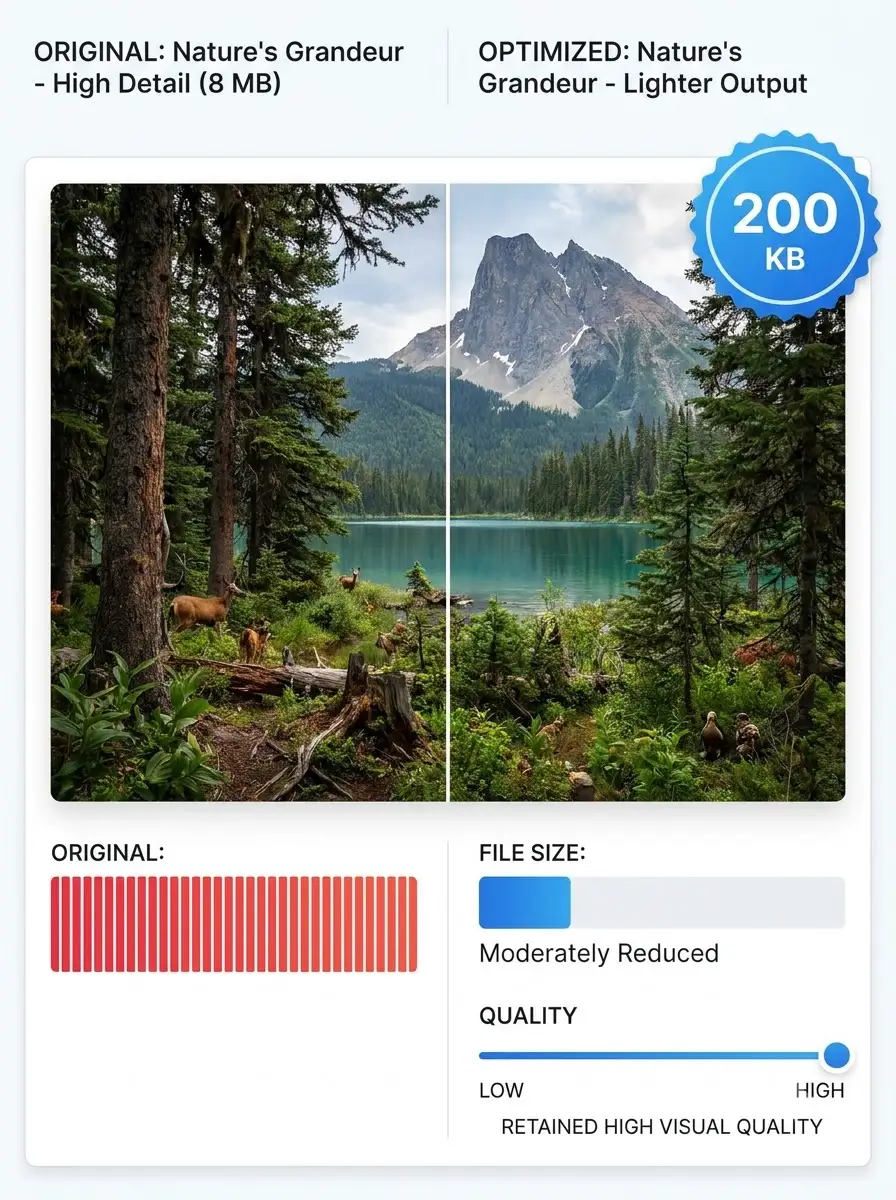
About Compress Image to 20KB — Signatures, Forms & Strict Portals
WeLuvTools Compress Image to 20KB reduces JPG, PNG, and WebP files to meet very small upload limits. The tool automatically applies compression and may reduce pixel dimensions when quality changes alone cannot reach 20KB. Files already below the limit remain unchanged, and all processing takes place locally in your browser.
100% Private
Files stay on your device.
Super Fast
Results in just a few seconds.
Secure & Safe
No account or upload needed.
Practical Limits
Capacity depends on your device.
Practical scenarios
Use cases
Common ways people get more value from this tool.
Use case 1
Reducing scanned signatures for government and recruitment portals — the most common 20KB use case
Use case 2
Preparing small profile photographs for legacy exam and admission systems with strict byte limits
Use case 3
Meeting a 20KB maximum on UPSC, SSC, railway, and state government application forms
Use case 4
Creating lightweight ID thumbnails for internal HR and database systems
Use case 5
Compressing simple document images for low-bandwidth or older submission portals
Types & formats
JPG to 20KB
Best for photographs and scanned documents that can use lossy compression
PNG to 20KB
Useful for signatures, logos, and graphics, though complex PNG files may need stronger resizing
WebP to 20KB
Efficient compression for browsers and systems that accept WebP files
The WeLuvTools difference
Why choose WeLuvTools
Benefit 1
Automatically targets 20KB or less
Benefit 2
Leaves files already under 20KB unchanged
Benefit 3
Shows the actual processed file size before download
Benefit 4
Supports batch processing for multiple images
Benefit 5
Keeps images private with on-device compression