Compress PNG to 200KB Online — For Ecommerce & Product Images
Reduce PNG images to 200KB or less for Shopify product cards, WooCommerce listings, screenshots, and blog graphics.
Compress a PNG to 200KB when you need more detail than a strict 100KB limit but still want a lightweight file for ecommerce, product listings, screenshots, and content graphics. A 200KB budget gives product images and documentation captures more room for useful pixel dimensions while remaining practical for web delivery.
This tool is built for store owners, marketers, and content teams who need product visuals and screenshots to load quickly without losing too much clarity. It accepts PNG, JPG, JPEG, and WebP input and always exports PNG. The optimizer first checks whether your image already meets the limit, then re-encodes and reduces dimensions only when necessary. Because PNG is lossless, there is no quality slider—the tool finds the largest practical dimensions that fit under 200KB and shows the actual output size, dimensions, and preview. Processing stays in your browser; your image is not uploaded to WeLuvTools.
About Compress PNG to 200KB Online — For Ecommerce & Product Images
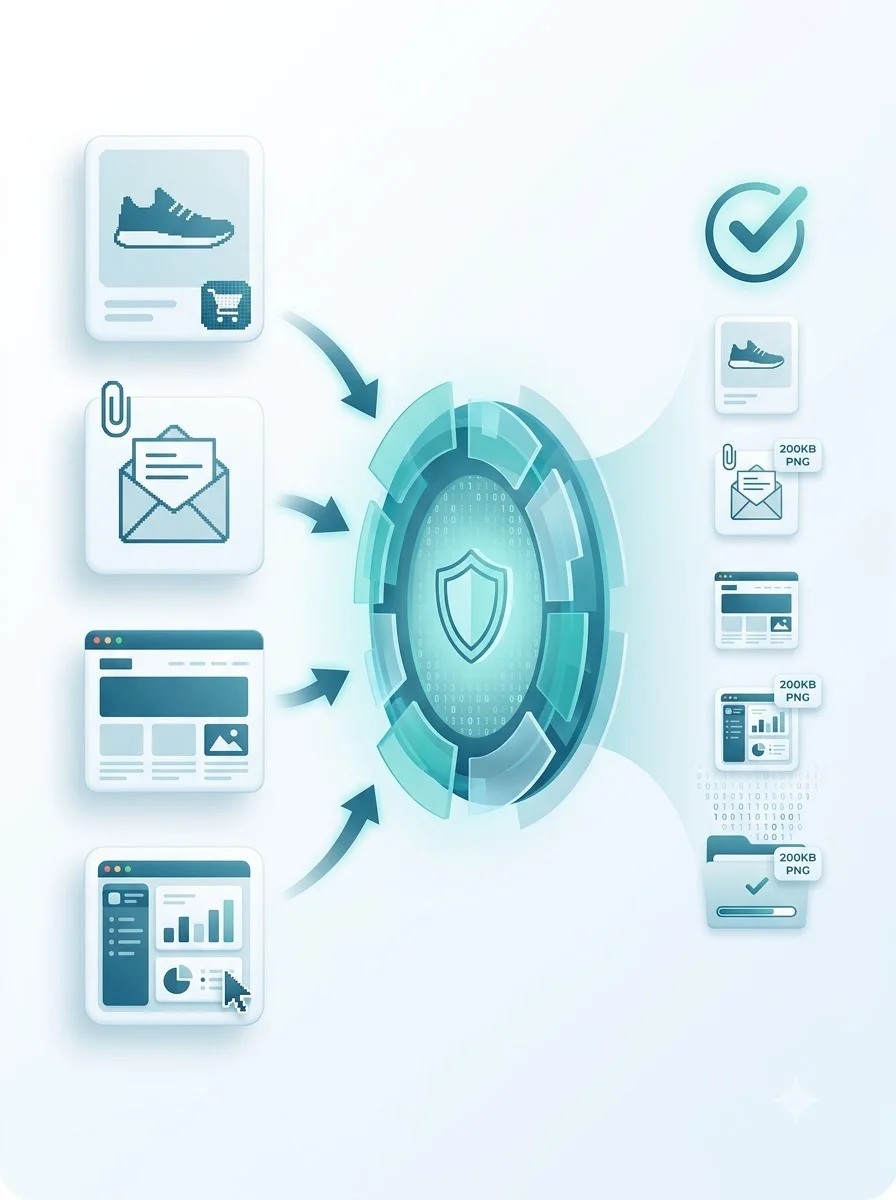
WeLuvTools Compress PNG to 200KB creates a PNG within a 200KB maximum for product imagery, content graphics, screenshots, and attachments. It is designed for ecommerce and content workflows where a moderate file size limit is needed. The tool uses dimension-aware PNG encoding, reports the actual result, and keeps processing on the user's device.
100% Private
Files stay on your device.
Super Fast
Results in just a few seconds.
Secure & Safe
No account or upload needed.
Practical Limits
Capacity depends on your device.
Quick guide
How to use
Step 1
Choose a PNG, JPG, JPEG, or WebP source image up to 50MB. The tool reads it locally and displays its original size and dimensions.
Step 2
Select Compress to 200KB PNG to start local optimization.
Step 3
Inspect the final dimensions and file size, then download the PNG.
Practical scenarios
Use cases
Common ways people get more value from this tool.
Use case 1
Preparing product-card images for ecommerce workflows
Use case 2
Reducing screenshots for documentation and support
Use case 3
Creating lighter blog and CMS graphics
Use case 4
Keeping image attachments within a 200KB maximum
Use case 5
Optimizing email attachments and newsletter graphics
Types & formats
Product images
Create lighter product-card PNGs for web workflows
Screenshots
Reduce documentation and interface captures
Blog graphics
Prepare content images with a moderate size budget
Recommended next step
Compress PNG to 100KB
Use the stricter 100KB target for job portals, government forms, and tight upload limits.
Open toolCompress PNG to 150KB
A balanced middle ground for blog thumbnails and social graphics.
Open toolCompress PNG to 500KB
For high-quality PNG assets that still need a reasonable file size cap.
Open toolCompress Image to 200KB
Use this if you need to compress JPG, JPEG, WebP, or PNG images to 200KB.
Open toolCompress Image to 100KB
Reduce any image format to 100KB for forms, portals, and websites.
Open toolImage Resizer
Reduce pixel dimensions first, then compress the PNG to 200KB.
Open toolPNG Transparent Maker
Create or preserve transparent areas before or after compression.
Open toolPNG Converter
Convert images to and from PNG before or after compression.
Open toolPNG Compression Guide
Learn how PNG compression works, when to use it, and how to get the smallest file without losing clarity.
Open toolCompress Image to Exact Size
See how to target 20KB, 50KB, and 100KB limits for forms and portals.
Open toolThe WeLuvTools difference
Why choose WeLuvTools
Benefit 1
Dedicated 200KB-or-less target
Benefit 2
PNG, JPG, JPEG, and WebP input
Benefit 3
Preview and dimensions before download
Benefit 4
No server upload
Benefit 5
PNG transparency preserved
Frequently Asked Questions
Related Tools
Compress PNG to 100KB
Reduce a PNG to 100KB or less while preserving PNG format.
Compress PNG to 150KB
Create a balanced PNG at 150KB or less for web graphics.
Compress PNG to 500KB
Create a higher-detail PNG at 500KB or less for larger graphics.
Compress Image to 200KB
Compress JPG, PNG, and WebP images to 200KB or less.
PNG Transparent Maker
Remove a selected solid background color and download a transparent PNG.
Image Resizer
Resize images to custom dimensions.
PNG Converter
Convert PNG images to JPG, WebP, or AVIF online.