Make PNG Transparent — Remove a Solid Background
Select a background color from a PNG, JPG, or WebP image and export a true transparent PNG.
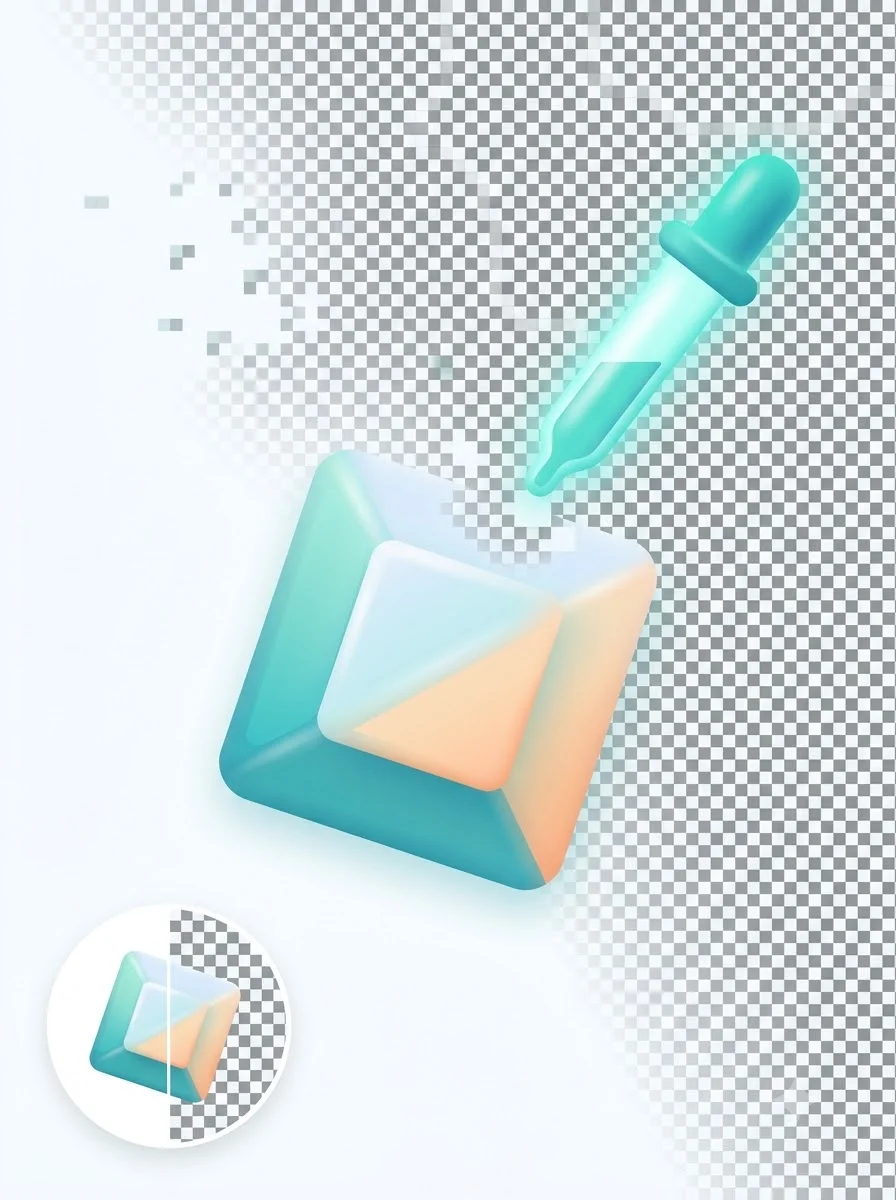
Turn a PNG, JPG, JPEG, or WebP image into a transparent PNG by removing a selected solid background color. Click directly on the preview with the built-in eyedropper, choose a preset such as white, green, blue, or black, or set a custom color. Then adjust the tolerance to include small shade variations around the background.
This approach is useful for logos, stickers, icons, screenshots, and product photos captured against a simple studio background. It creates real RGBA transparency and softens pixels close to the selected color for cleaner edges. It is not an AI subject-segmentation tool, so complex scenery, hair, shadows, and backgrounds with many colors may require professional editing software. The image is processed locally in your browser and is not uploaded to WeLuvTools.
About Make PNG Transparent — Remove a Solid Background
WeLuvTools PNG Transparent Maker removes a user-selected solid background color from PNG, JPG, JPEG, or WebP images. It includes click-to-sample color selection, common presets, adjustable tolerance, softened edge pixels, a checkerboard preview, and true RGBA PNG export.
100% Private
Files stay on your device.
Super Fast
Results in just a few seconds.
Secure & Safe
No account or upload needed.
Practical Limits
Capacity depends on your device.
Quick guide
How to use
Step 1
Upload an image with a solid or nearly solid background.
Step 2
Click the background in the preview or choose a color preset, then adjust tolerance for shade variation.
Step 3
Select Make PNG Transparent, inspect the checkerboard preview, and download the transparent PNG.
Practical scenarios
Use cases
Common ways people get more value from this tool.
Use case 1
Removing a white background from a simple product photo
Use case 2
Preparing transparent logos, icons, and UI assets
Use case 3
Turning green-screen or blue-screen artwork into PNG overlays
Use case 4
Creating sticker artwork from illustrations with a flat background
Types & formats
White backgrounds
Useful for catalog photos and scanned logo artwork
Green or blue screens
Remove a controlled chroma background from simple assets
Custom colors
Sample any solid color directly from the uploaded image
The WeLuvTools difference
Why choose WeLuvTools
Benefit 1
Click-to-sample eyedropper
Benefit 2
Adjustable color tolerance
Benefit 3
True alpha-transparent PNG output
Benefit 4
Browser-based pixel processing
Frequently Asked Questions
Related Tools
PNG Background Remover
Detect and remove a simple background, then download a transparent PNG.
Image to PNG Converter
Convert JPG, WebP, SVG, BMP, GIF, and ICO images to PNG.
Compress PNG to 50KB
Create a PNG at 50KB or less for forms and ID portals.
Compress PNG to 100KB
Reduce a PNG to 100KB or less while preserving PNG format.
Compress PNG to 200KB
Create a PNG at 200KB or less for product and blog images.