Create a scannable WhatsApp QR code that lets customers message you without saving your number. No sign-up, completely free, and your data stays on your device.
Looking for India-specific guidance? Visit the India version.
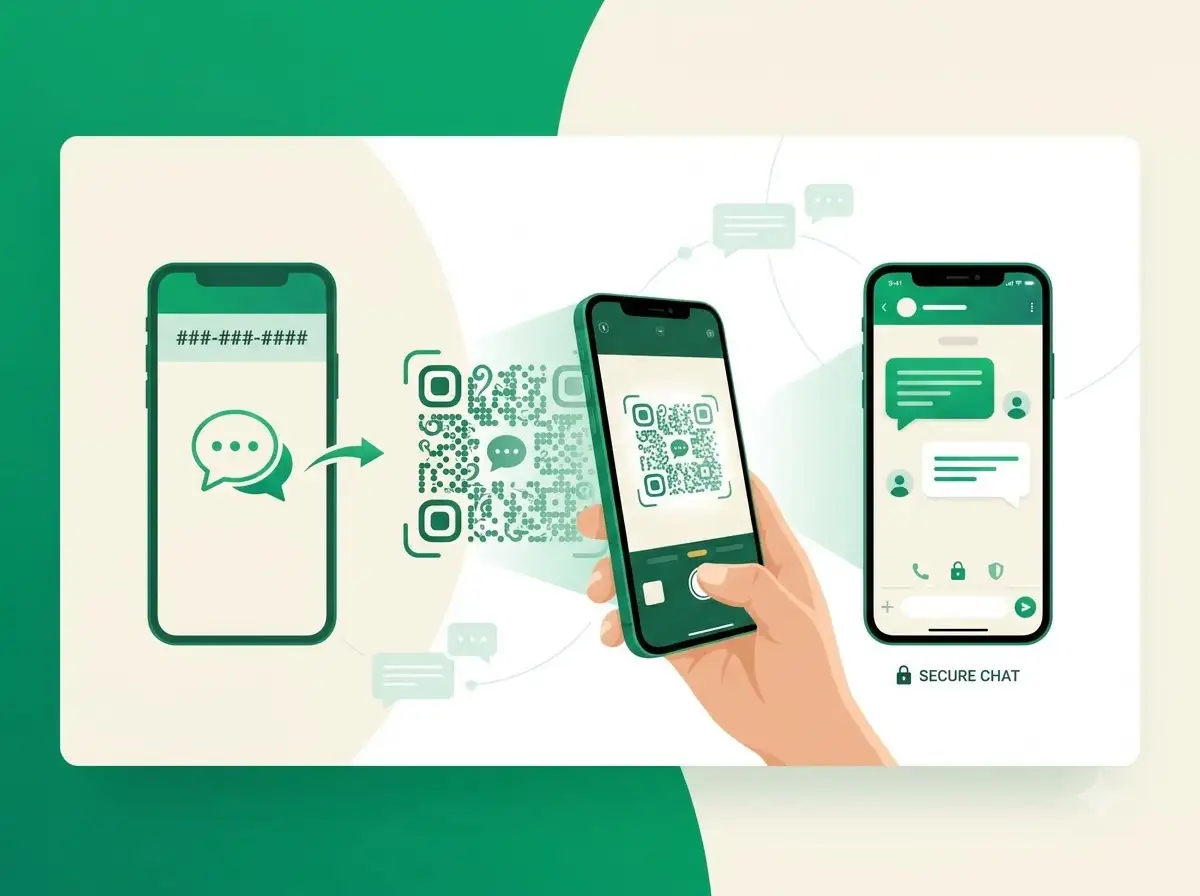
About WhatsApp QR Code Generator
The WeLuvTools WhatsApp QR Code Generator creates a scannable code that opens a WhatsApp conversation without asking the customer to save or type your number. Enter the full international phone number and an optional pre-filled message. The tool converts it into a valid wa.me chat link, updates the preview as you edit, and lets you customize colors, module shape, corner style, size, margin, and error correction before downloading PNG or SVG.
100% Private
Files stay on your device.
Super Fast
Results in just a few seconds.
Secure & Safe
No account or upload needed.
Practical Limits
Capacity depends on your device.
How to use
Step 1
Enter the full WhatsApp phone number with its country code, such as +1234567890, and optionally add a pre-filled message
Step 2
Customize the foreground and background colors, module shape, corner style, size, margin, and error correction while checking the live preview
Step 3
Generate the final WhatsApp QR code, then download PNG for digital use or SVG for scalable printing
Practical scenarios
Use cases
Common ways people get more value from this tool.
Use case 1
Restaurants and cafés can place the QR code on tables so customers can message orders, request reservations, or ask about the menu
Use case 2
Business-card owners can let new contacts start a WhatsApp conversation with one scan and no manual number entry
Use case 3
Retail stores and pop-up shops can add the QR code to receipts, price tags, or window decals for customer support
Use case 4
Event organizers can print it on flyers and posters to collect inquiries, RSVPs, or group-chat requests
Use case 5
Professionals can place a compact WhatsApp QR code in an email signature so clients can message them directly
Use case 6
Brands can print it on product packaging so buyers can ask questions, request help, or reorder quickly
Types & formats
WhatsApp chat QR
Open a conversation with the specified international WhatsApp phone number
Pre-filled message QR
Open the chat with a greeting, order request, inquiry, or other message ready to send
PNG or SVG output
Use PNG for digital channels or SVG for sharp professional printing at any size
The WeLuvTools difference
Why choose WeLuvTools
Benefit 1
Create a static WhatsApp QR code in your browser and download it without a watermark.
Benefit 2
Keep the phone number and message private with browser-only generation
Benefit 3
See a live preview before generating the downloadable files
Benefit 4
Customize foreground and background colors, module shape, corner style, size, and error correction
Benefit 5
Download high-resolution PNG or scalable SVG output
Benefit 6
Start immediately without creating an account or signing in
Frequently Asked Questions
Related Tools
QR Code is a registered trademark of DENSO WAVE INCORPORATED. WeLuvTools is an independent tool and is not affiliated with, endorsed by, or sponsored by DENSO WAVE.