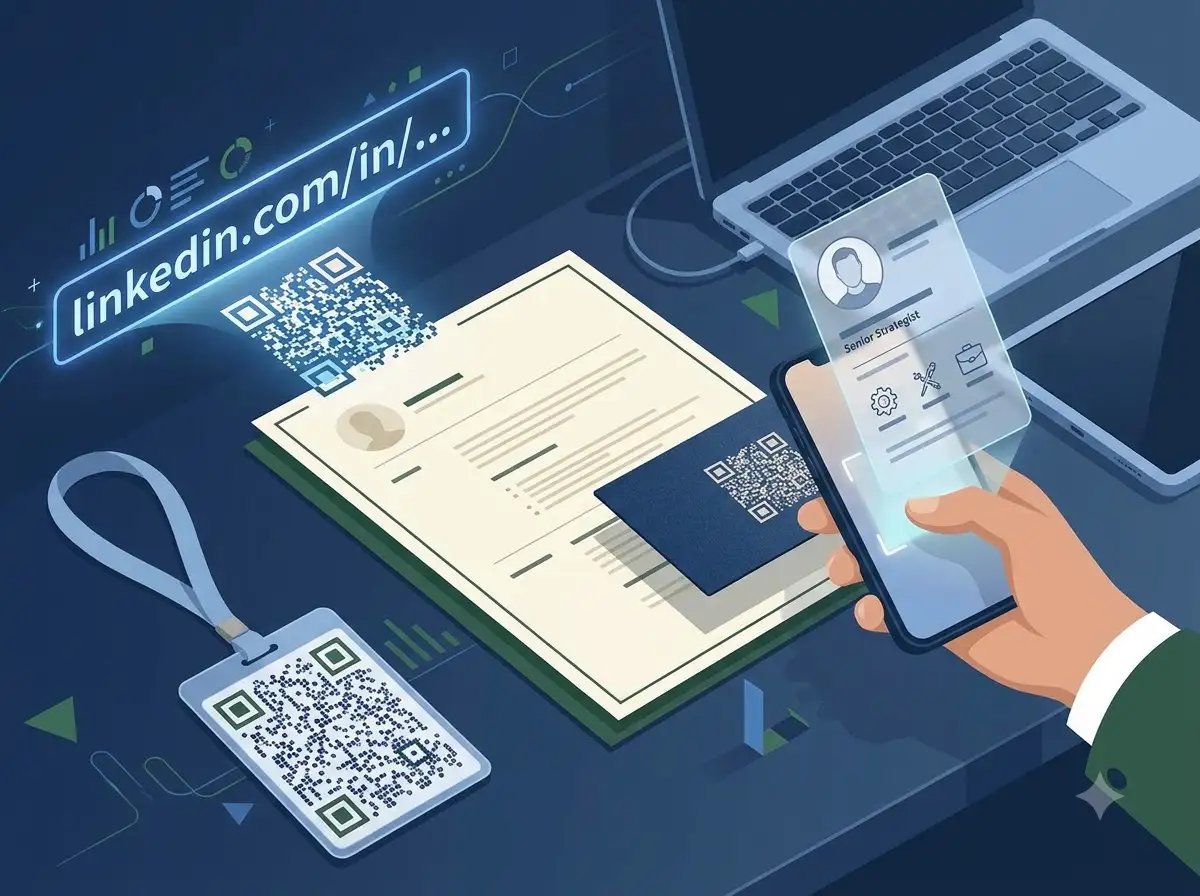
Turn your LinkedIn profile or company page into a scannable QR code. Ideal for business cards, resumes, conference badges, presentations, and email signatures.
Looking for India-specific guidance? Visit the India version.
About LinkedIn QR Code Generator
The WeLuvTools LinkedIn QR Code Generator turns a valid LinkedIn profile or company page URL into a scannable static QR code. Its page-specific input rejects unrelated domains before encoding the destination locally in your browser. Customize colors, module shape, corner style, size, margin, and error correction, then download PNG or SVG.
100% Private
Files stay on your device.
Super Fast
Results in just a few seconds.
Secure & Safe
No account or upload needed.
Practical Limits
Capacity depends on your device.
How to use
Step 1
Open the LinkedIn profile or company page, copy its public URL, and paste that LinkedIn link into the dedicated field
Step 2
Customize the foreground and background colors, module shape, corner style, size, margin, and error correction while checking the live preview
Step 3
Generate the LinkedIn QR code and download PNG for digital use or SVG for sharp printing on cards, resumes, badges, and presentation materials
Practical scenarios
Use cases
Common ways people get more value from this tool.
Use case 1
Business cards can replace a long printed LinkedIn URL with a compact code that opens the profile directly
Use case 2
Resumes and CVs can let recruiters scan to review experience, recommendations, skills, and current details
Use case 3
Conference badges can help attendees exchange professional profiles quickly during networking
Use case 4
Email signatures can make each message a simple route to the sender's LinkedIn presence
Use case 5
Pitch decks and presentations can include a closing-slide QR code for follow-up connections
Use case 6
Networking-event flyers and signs can direct attendees to an organizer, speaker, recruiter, or company page
Types & formats
Profile QR
Open a public personal LinkedIn profile for professional networking
Company page QR
Open a public LinkedIn business, employer, organization, or showcase page
PNG or SVG
Use PNG for digital placement or SVG for sharp, scalable professional printing
The WeLuvTools difference
Why choose WeLuvTools
Benefit 1
Validate that the destination belongs to LinkedIn
Benefit 2
Create a static LinkedIn QR code in your browser and download it without a watermark.
Benefit 3
Keep the profile or company URL private with browser-only processing
Benefit 4
Preview colors and shapes live before generating
Benefit 5
Download high-resolution PNG or scalable SVG output
Benefit 6
Start immediately without creating an account
Frequently Asked Questions
Related Tools
QR Code Generator
Create QR codes from text, URLs, or any data.
vCard QR Code Generator
Generate a QR code from contact card (vCard) data.
Facebook QR Code Generator
Create a QR code for a Facebook page, profile, or group.
Instagram QR Code Generator
Create a QR code for an Instagram profile, post, or reel.
QR Code is a registered trademark of DENSO WAVE INCORPORATED. WeLuvTools is an independent tool and is not affiliated with, endorsed by, or sponsored by DENSO WAVE.