Make a JPG or JPEG smaller for websites, email, forms, and sharing. Adjust quality, compare the result live, and download without sending the image to our servers.
About Compress JPG – Reduce File Size Instantly
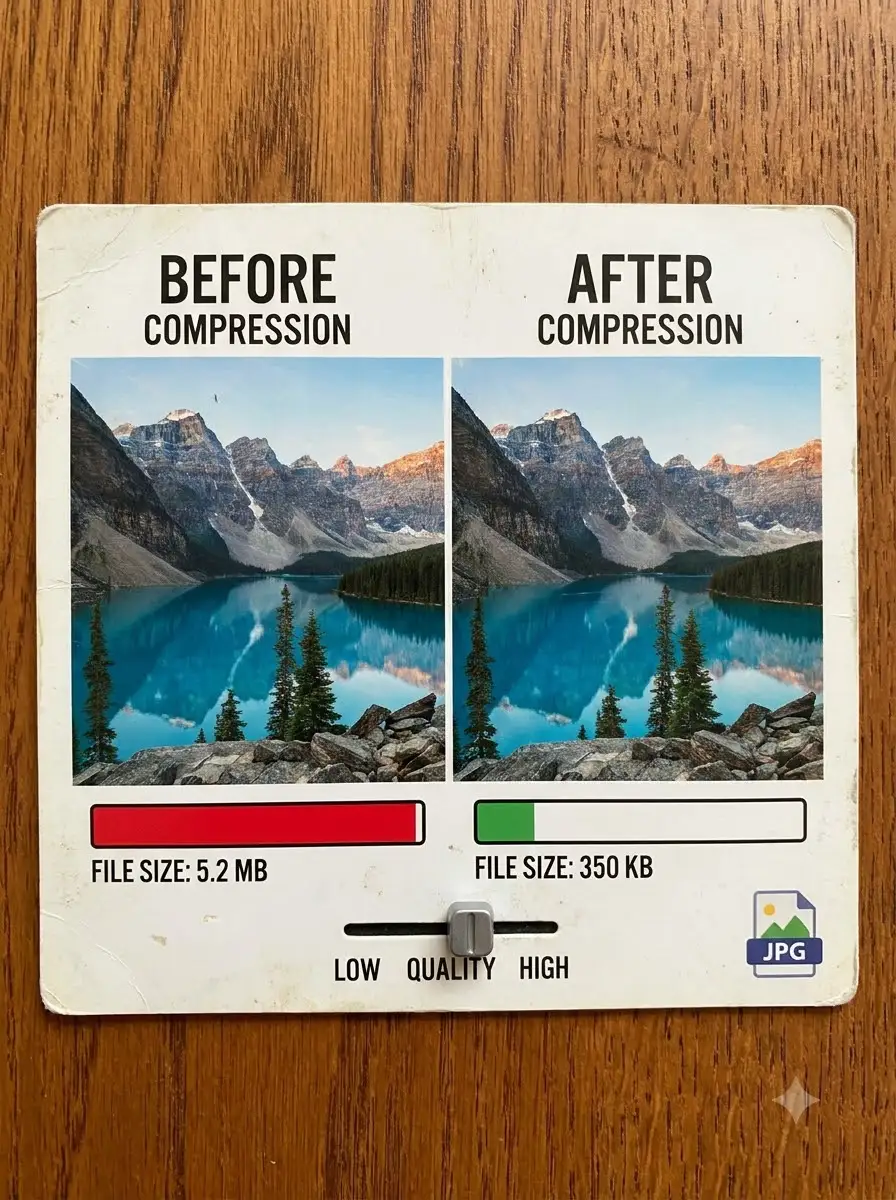
The WeLuvTools JPG Compressor is a focused browser tool for reducing JPG and JPEG file size without changing the image dimensions. It re-encodes the selected photo at the quality you choose, shows the resulting file size, and provides an interactive original-versus-compressed preview before download. The image stays on your device throughout the workflow.
100% Private
Files stay on your device.
Super Fast
Results in just a few seconds.
Secure & Safe
No account or upload needed.
Practical Limits
Capacity depends on your device.
How to use
Step 1
Drop a JPG or JPEG into the tool, or click the file area to choose one from your device.
Step 2
Move the JPEG quality slider or choose a preset. The compressed size and comparison preview update as the setting changes.
Step 3
Inspect detail and file size, then download the compressed JPG when the balance suits your website, email, or upload limit.
Practical scenarios
Use cases
Common ways people get more value from this tool.
Use case 1
Reduce website photo payloads before publishing blog posts, landing pages, and galleries.
Use case 2
Make a JPG attachment smaller before sending it by email or chat.
Use case 3
Prepare product photographs for ecommerce pages while checking important visual detail.
Use case 4
Work toward a form or application file-size limit using the live output size.
Use case 5
Optimize social-media and portfolio photos while keeping their original pixel dimensions.
Use case 6
Create a smaller working copy while preserving the original JPG separately.
Types & formats
40–60% quality
Stronger compression for previews, thumbnails, and cases where file size matters more than fine detail.
70–85% quality
A practical starting range for many website and email photographs.
90–100% quality
Preserves more detail but can produce a file close to—or larger than—the already compressed original.
JPG / JPEG output
Widely compatible photo output with adjustable lossy compression and no alpha transparency.
The WeLuvTools difference
Why choose WeLuvTools
Benefit 1
The selected JPG is processed locally in the browser instead of being uploaded to WeLuvTools.
Benefit 2
Live size reporting shows the actual encoded output produced by your browser.
Benefit 3
An interactive comparison makes compression artifacts easier to inspect before download.
Benefit 4
Quick presets and a fine-grained slider support both fast and careful workflows.
Benefit 5
Original dimensions are preserved; use Image Resizer separately when dimensions also need to change.
Benefit 6
No account is required to compress and download a supported JPG.