Make JPG, PNG, and WebP photos smaller for websites, email, forms, and sharing. Compare quality and file size live without sending the photo to our servers.
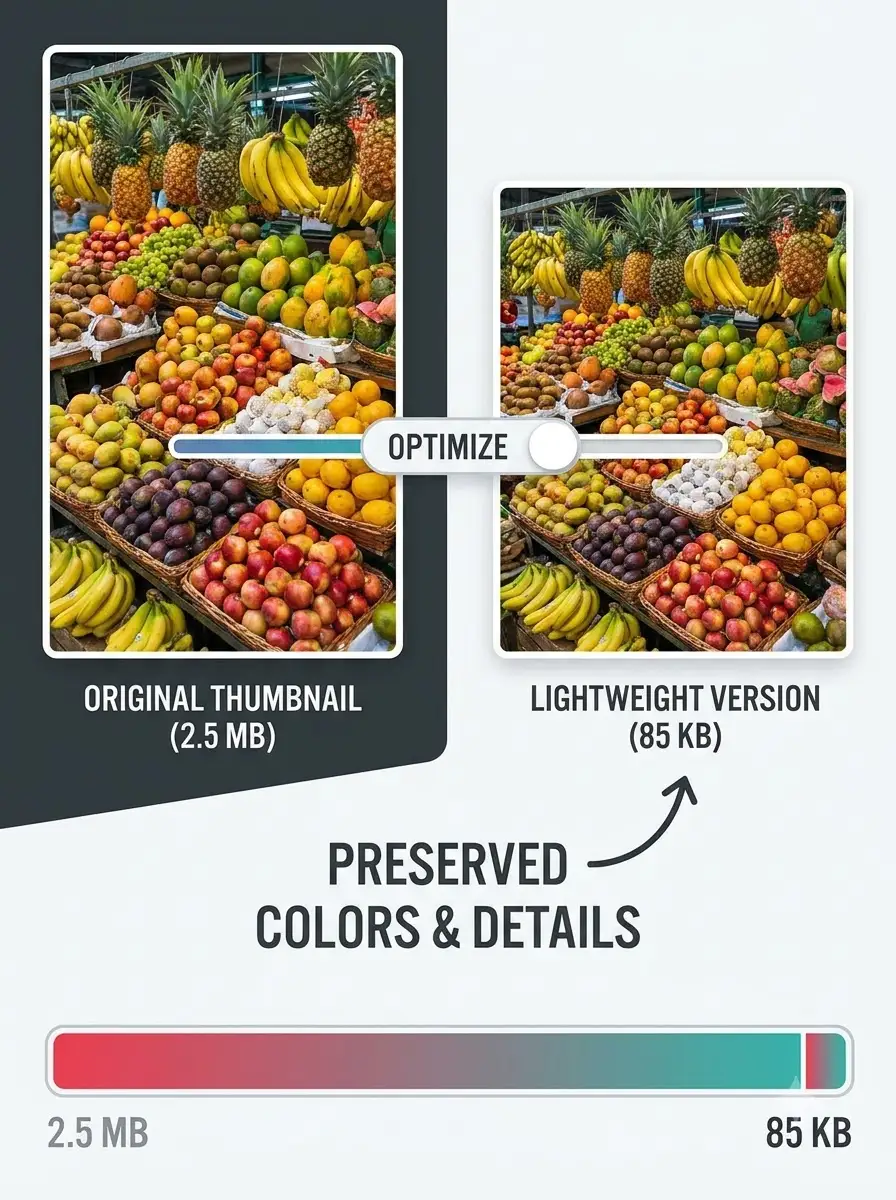
About Photo Compressor – Reduce Photo Size Privately
The WeLuvTools Photo Compressor reduces supported JPG, PNG, and WebP photos directly in your browser. Choose JPEG for adjustable photographic compression or keep the supported source format, then compare the actual output size and visual result before downloading. The tool preserves pixel dimensions; use Image Resizer when you also need fewer pixels.
100% Private
Files stay on your device.
Super Fast
Results in just a few seconds.
Secure & Safe
No account or upload needed.
Practical Limits
Capacity depends on your device.
How to use
Step 1
Drop a JPG, PNG, or WebP photo into the tool, or choose one from your phone or computer.
Step 2
Choose JPEG or keep the source format, then adjust quality where the selected format supports lossy compression. The result updates automatically.
Step 3
Compare the original and compressed views, check the actual output size, and download the version that fits your intended use.
Practical scenarios
Use cases
Common ways people get more value from this tool.
Use case 1
Reduce a photo attachment before sending it through email or chat.
Use case 2
Prepare website, blog, portfolio, and ecommerce photographs for faster delivery.
Use case 3
Work toward application and upload limits while checking that faces and text remain clear.
Use case 4
Optimize a phone or camera photo before sharing it on a supported platform.
Use case 5
Create smaller screen-use copies while retaining full-resolution originals for editing and printing.
Use case 6
Compare JPEG and source-format output before choosing the smaller acceptable file.
Types & formats
JPEG photo compression
Adjustable lossy compression that is widely compatible and often effective for photographs.
WebP source output
Keeps a WebP source in WebP and applies supported browser quality control.
PNG source output
Preserves PNG transparency using lossless browser export; the quality slider is disabled because it does not control PNG encoding.
Original dimensions
Compression changes encoding and file size while keeping the original width and height.
The WeLuvTools difference
Why choose WeLuvTools
Benefit 1
Supported photos are processed locally in the browser rather than uploaded to WeLuvTools.
Benefit 2
Live output size reports the actual browser-generated file instead of a promised percentage.
Benefit 3
The interactive comparison makes visible artifacts easier to inspect before download.
Benefit 4
JPEG and source-format choices provide a practical balance between compatibility, transparency, and size.
Benefit 5
Format-specific explanations prevent accidental transparency loss and misleading PNG quality controls.
Benefit 6
No account is required to process and download a supported photo.